Spectralink 84-Series Series Wireless Telephones Administration Guide
1725-86984-000_P.docx
September 2016 129
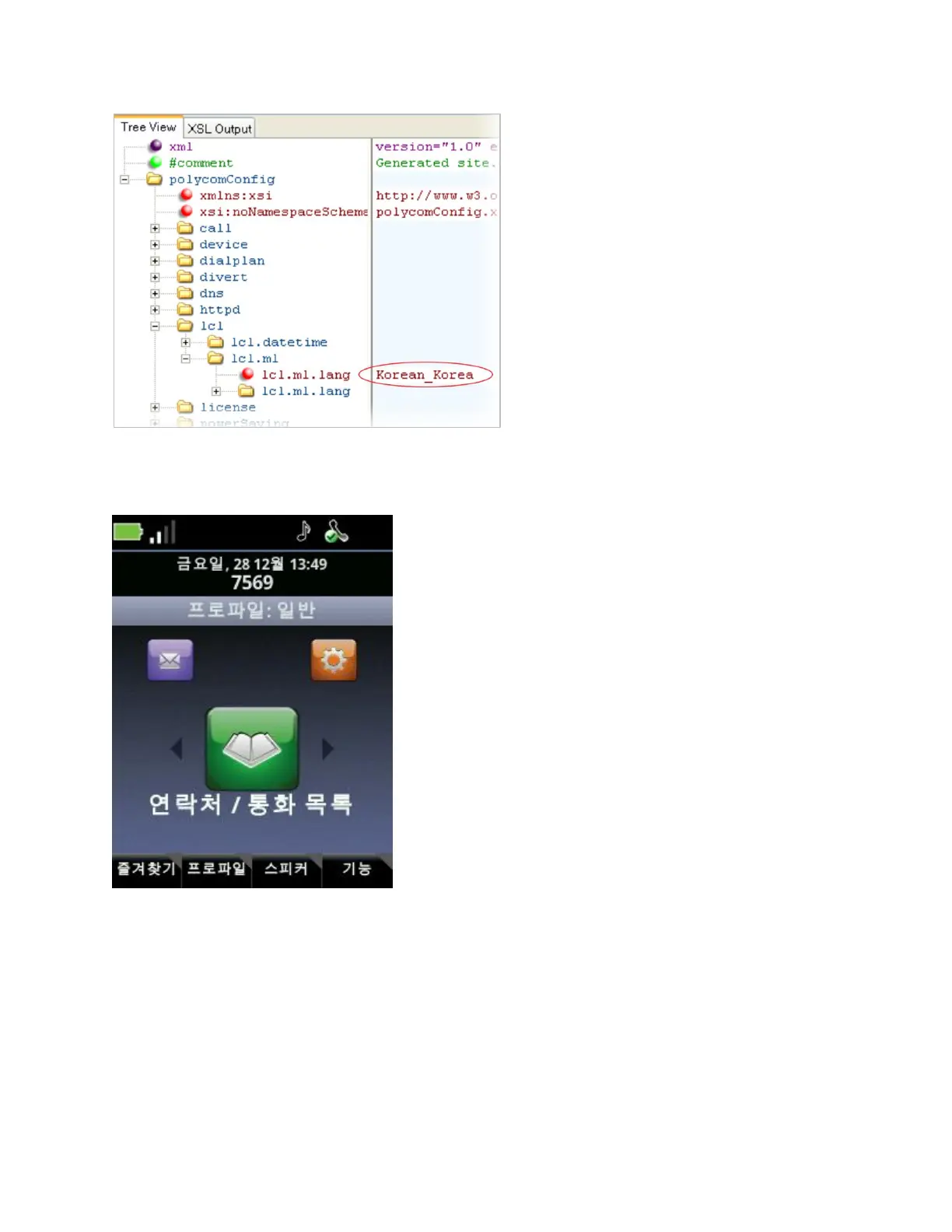
Once configured, the handset will use Korean characters. The language can be changed on the
Settings menu.
Local Contact Directory
The Spectralink 84-Series handsets feature a contact directory you can use to store frequently
used contacts. Open the Contact Directory by navigating to Home> Contacts/Call Lists>
Contact Directory.
When it first starts up, the handset locates the contact directory by following a specific order:



 To Next Page