Spectralink 84-Series Series Wireless Telephones Administration Guide
1725-86984-000_P.docx
September 2016 22
Network Configuration
Many desktop phones connect physically through a Category 5 (Cat-5) cable to a standard
office twisted-pair (IEEE 802.3) 10/100/1000 megabits per second Ethernet LAN. Spectralink
wireless handsets, however, connect to a WLAN to send and receive all data using
802.11a/b/g/n technology to access telephony resources on the wired LAN.
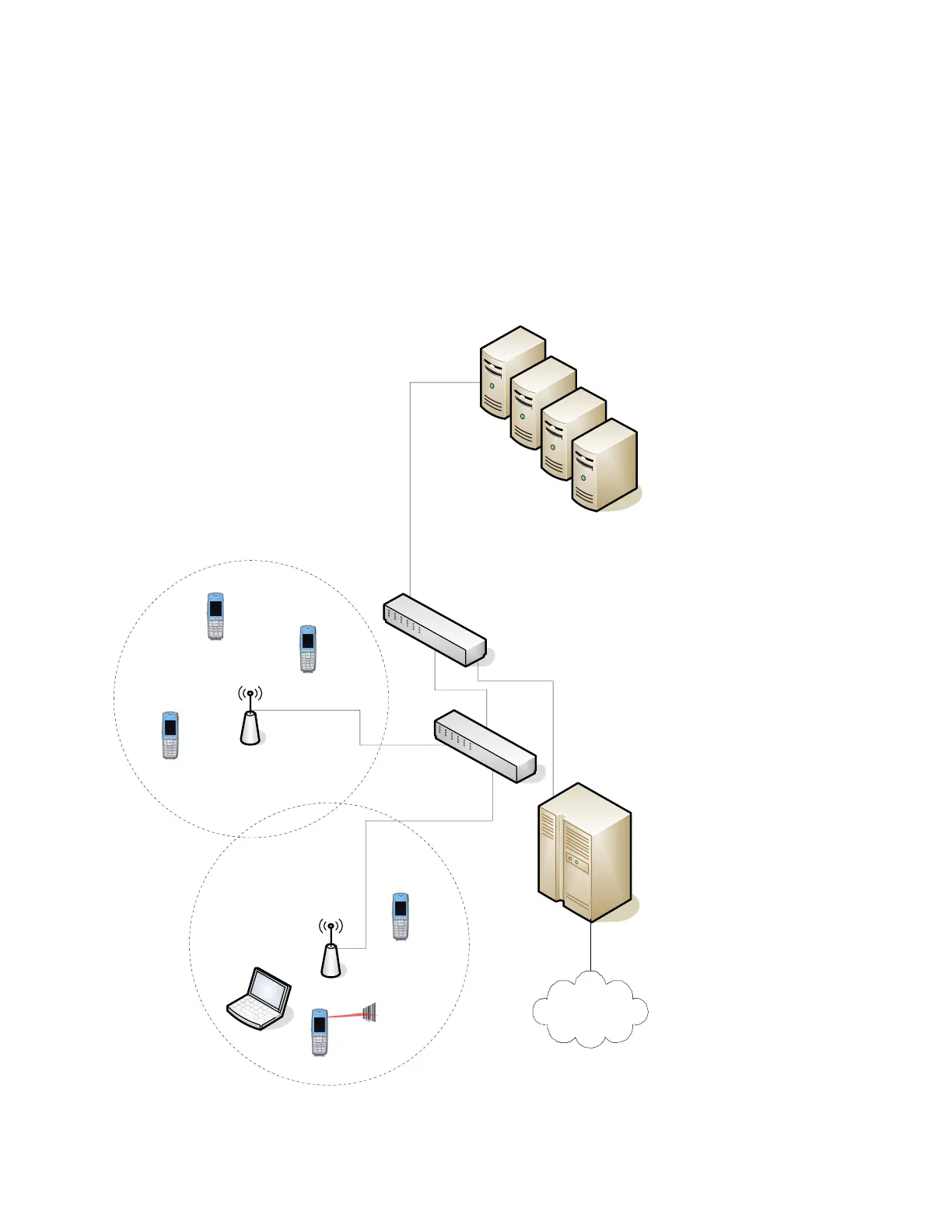
There are many ways to set up a phone network using Spectralink wireless handsets and the
diagram shown next is just one example of a network setup.



 To Next Page