Spectralink 84-Series Series Wireless Telephones Administration Guide
1725-86984-000_P.docx
September 2016 87
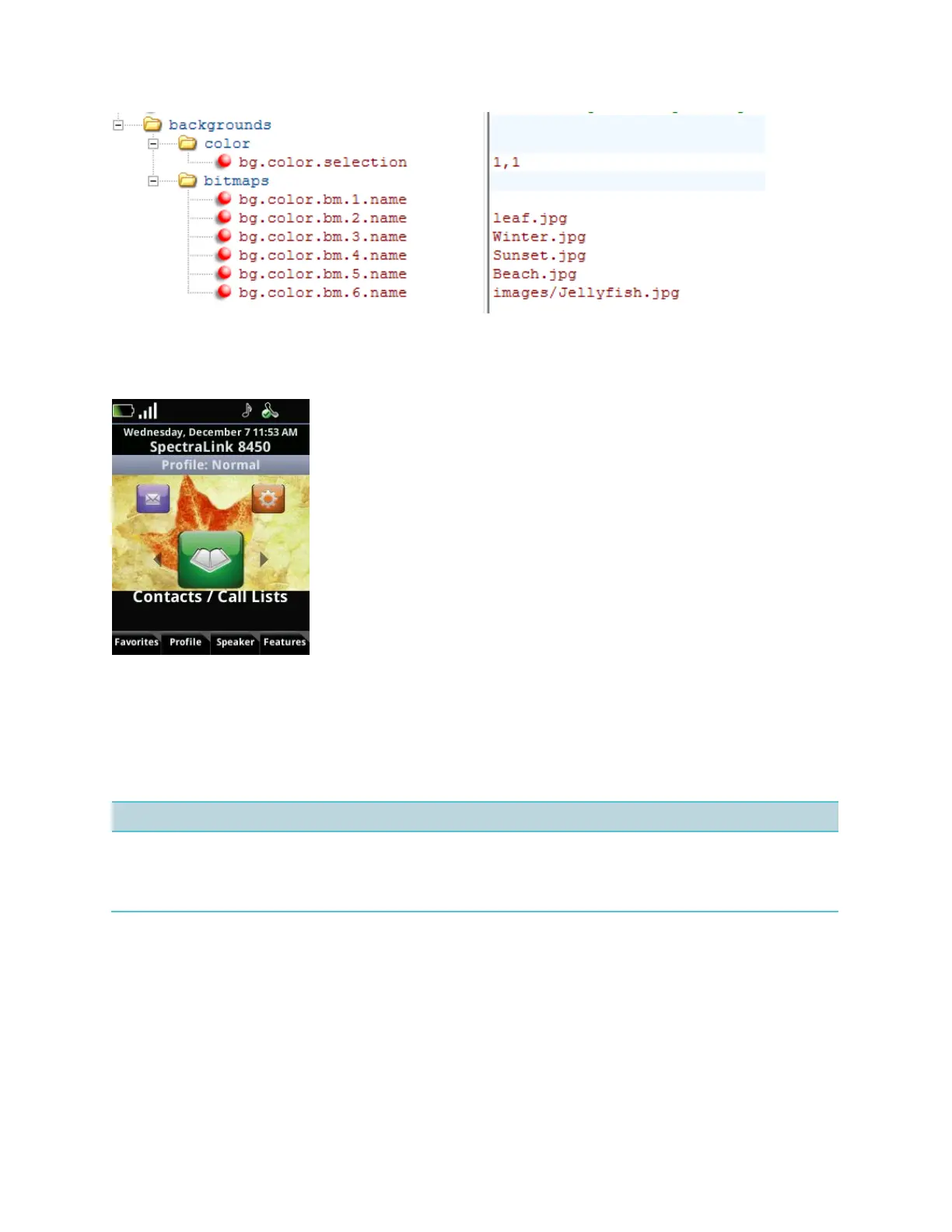
The figure shown next is an example of a digital image background on a Spectralink 84-Series
handset.
Backlight Off while Phone is Charging
The administrator can configure the phone so that the backlight turns off when the phone is in
the desktop charger. This configuration parameter is available in the everything.cfg file.
up.backlight.onAcCharger.enabled
If 1 after an idle timeout display backlight is always ON to low intensity.
If 0 after an idle timeout display backlight will be OFF.
Battery End-of-life Alert
When a battery degrades through normal use, it will eventually not last as long between
charges. When a worn out battery is detected a warning message will appear on the display
which the user can clear. A warning alert icon will remain in the status bar until the battery is
replaced.



 To Next Page