38 SPECTRO xSORT — 05.09.2014
6.2 Displays
6.2.1 Instrument
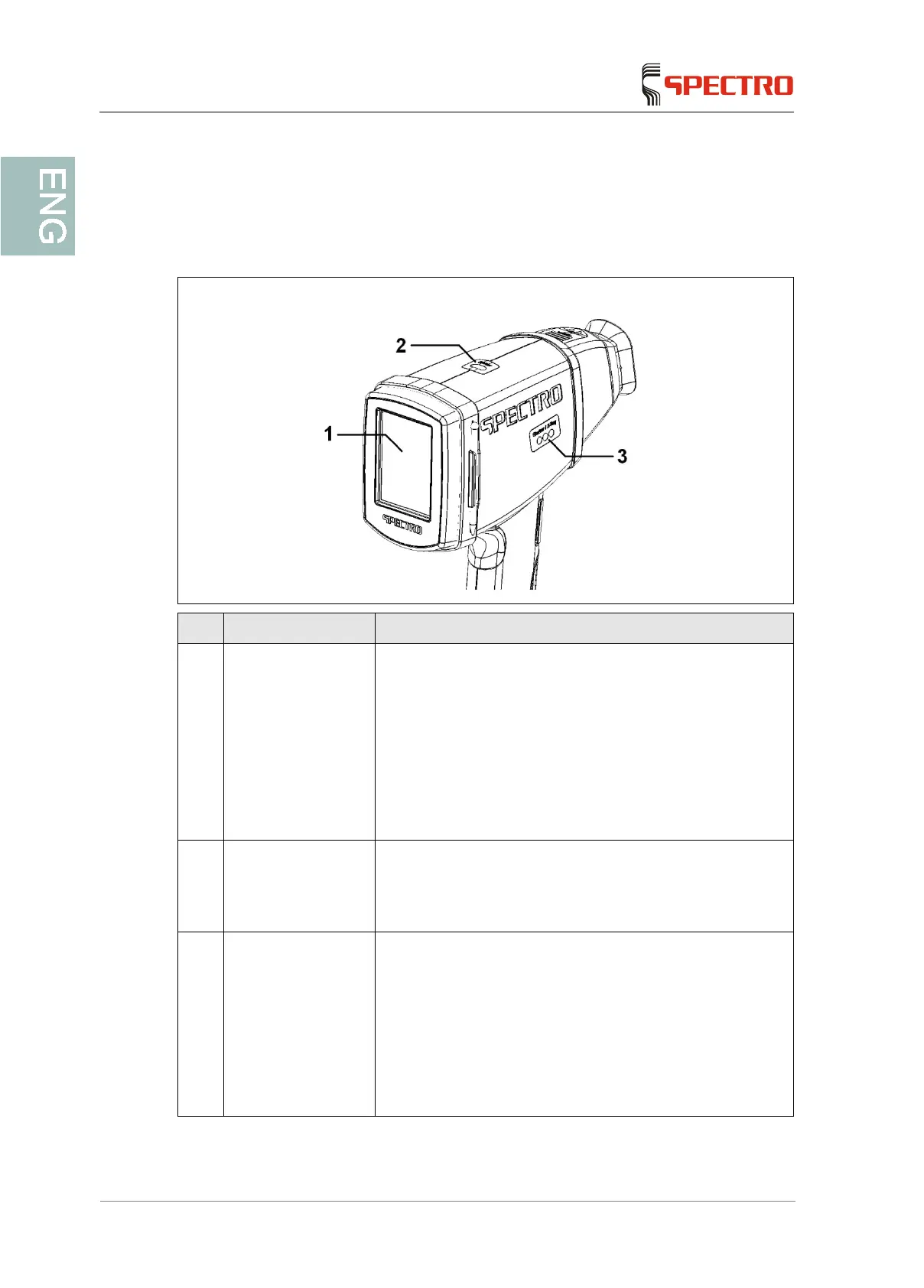
No. Display Function
1 Status display of the
measuring
instrument
The screen displays the measuring window
The unit is ready to measure
The screen displays the screensaver
The unit is not ready to measure
The software has switched to the safety mode (no
measurement has been performed for a long time)
The screen displays a message
The unit is not ready to measure
2 "Shutter" LED Indicates the status of the shutter
Red flashing: shutter open (measurement being
performed) or malfunction (no measurement
possible)
3 "Shutter/X-ray" LED Displays the state of the shutter / the X-ray tube
Green/OFF/orange: shutter closed / tube is switch
on in the standby mode
OFF/red flashing/orange: shutter open / tube
switched on and measurement in progress
Green/OFF/OFF: shutter closed / tube switched off
OFF/red flashing/OFF: shutter open for video mode
or shutter malfunction during a measurement



 To Next Page