— 05.09.2014 —
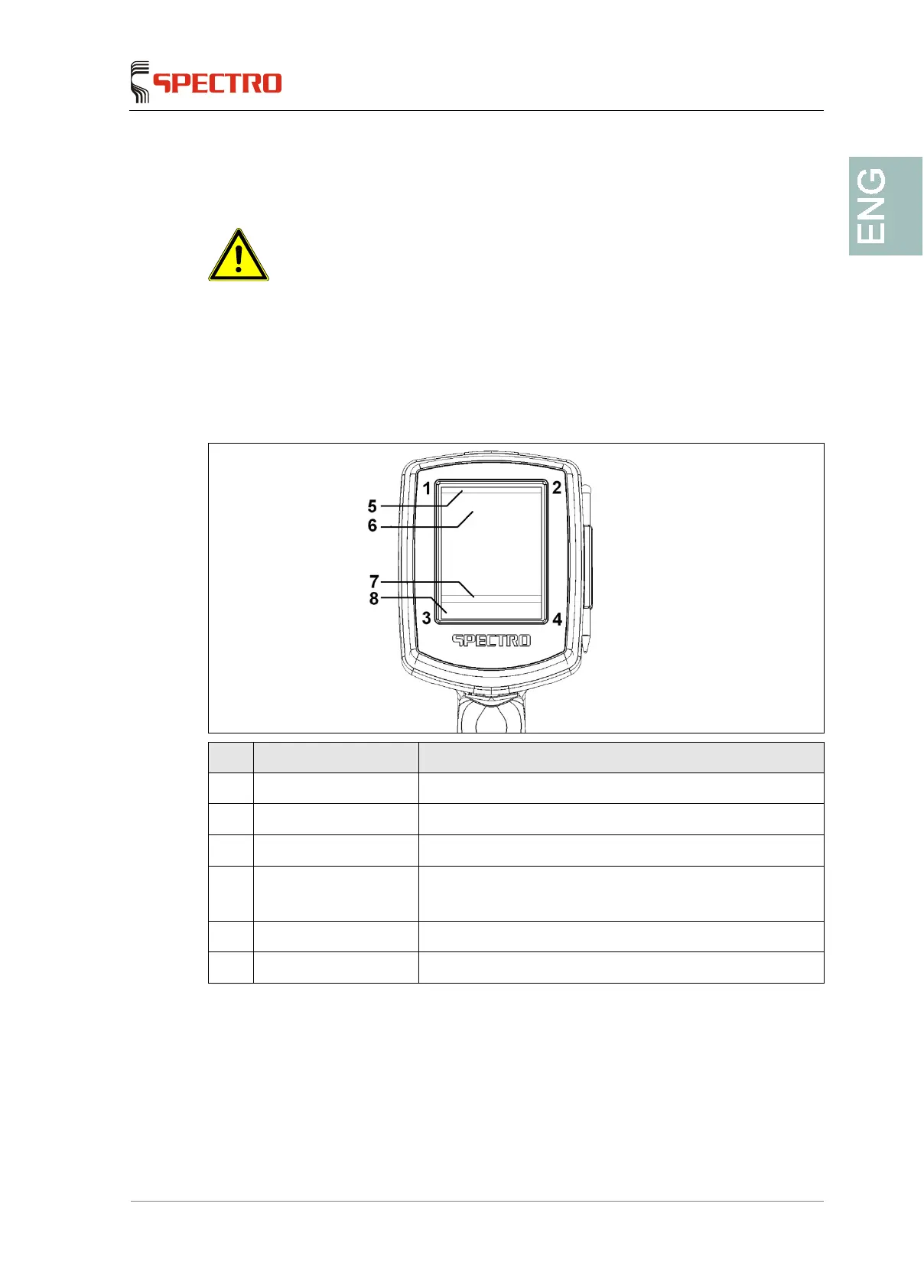
6.2.2 Screen
Caution! Damage to the unit!
Do not touch the screen with sharp or hard objects. The touch
-sensitive surface
h a plastic pen (stylus) or with your finger.
The surface of the screen reacts to touch (touch screen). Touch the buttons on the
screen to navigate in the control system.
No. Display Function
1-2 Enable button Enables the unit for measuring
3-4 Quick commands Changing the display output format or similar
5 Header Indication of the active measuring method
6 Program field Display of the measuring results
The display field depends on the loaded program
7 Status line Measurement progress/device status
8 Menu line Display of the program menu



 To Next Page