Maintenance by the operator
48 SPECTRO xSORT — 05.09.2014
Nr. Bauteil Nr. Bauteil
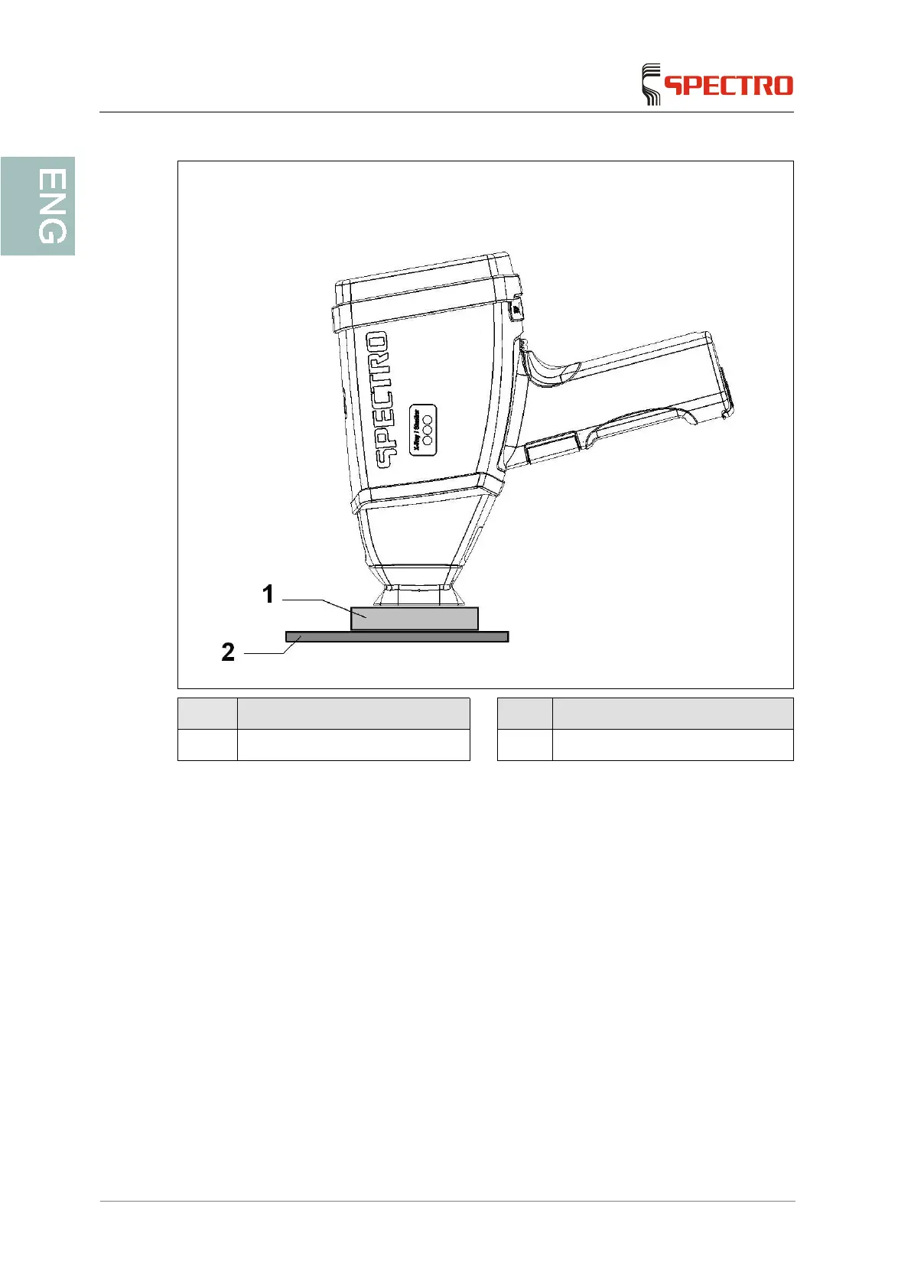
1 Sample 2 Radiation protection plate
2. In the menu, touch the "ICAL" symbol or the "OK" button when the unit
requests an ICALization.
The corresponding program window is displayed. Inputs are not possible
while the shutter is being measured. The only way to interrupt the
measurement manually is to switch the X-ray tube off.
Ensure that also during the ICALization there are no persons directly in
front of the measuring window or press the unit against the radiation
protection plate or shield.
The standardization is performed automatically.
After the standardization is complete, a protocol is created and stored in
the subdirectory "\ICAL\Log\".
The unit is now standardized.



 To Next Page