Memory and SetupST700 Dash Display System
52
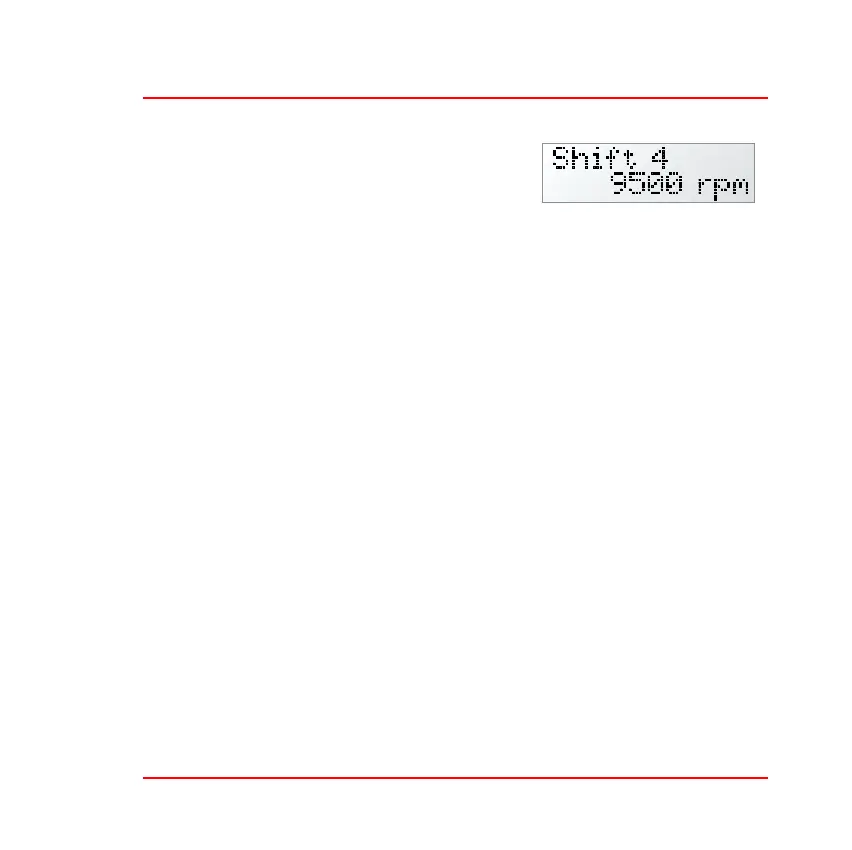
❑ Shift 1 to Shift 4—Press and turn the
rotary control to set the engine speed
that will illuminate shift light 1 (the
left–hand shift light) to shift light 4. As
you adjust the set point for each of the shift lights, the tachometer
needle will move on the display to show the setting. Note that the
ST700 Dash Display System always maintains the correct sequence
so that the shift lights illuminate from left to right as the engine
speed increases.
❑ Day Time level—Press and turn the rotary control to set the inten-
sity of the shift lights for use during the day. Note that the LEDs
used in the display are high intensity devices so that it will be possi-
ble to see them even when the ambient light is very strong. Refer to
page 29 for instructions to switch between the daytime and the
night–time levels for display and shift light illumination.
❑ Night Time level—Press and turn the rotary control to set the inten-
sity of the shift lights for use during the night.
Turn the rotary control clockwise and then press it to return the dis-
play to show ‘Shift Lights’.



 To Next Page