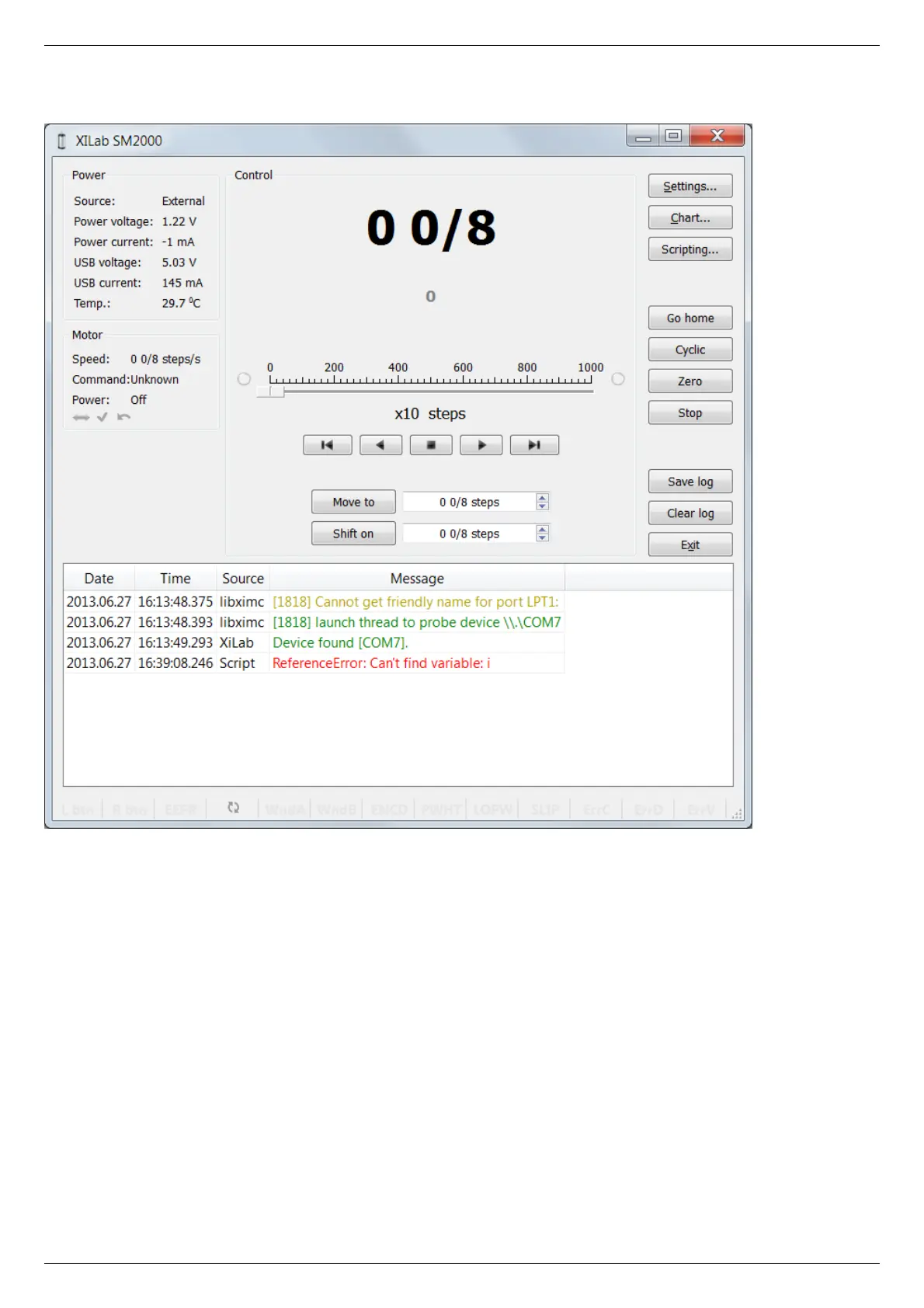
5.2.7. XILab log
XILab log window
XILab log at the bottom part of the main window shows libximc library messages. It also shows messages from XILab application and
Scripts interpreter.
Log has 4 columns: date and time of record, the source and the message text.
Messages have a logging level indicating message importance: error, warning and informational message. Error messages are red,
warnings are yellow and informational messages are green.
You can set a filter on displayed messages on the Log settings page in the Settings window.



 To Next Page