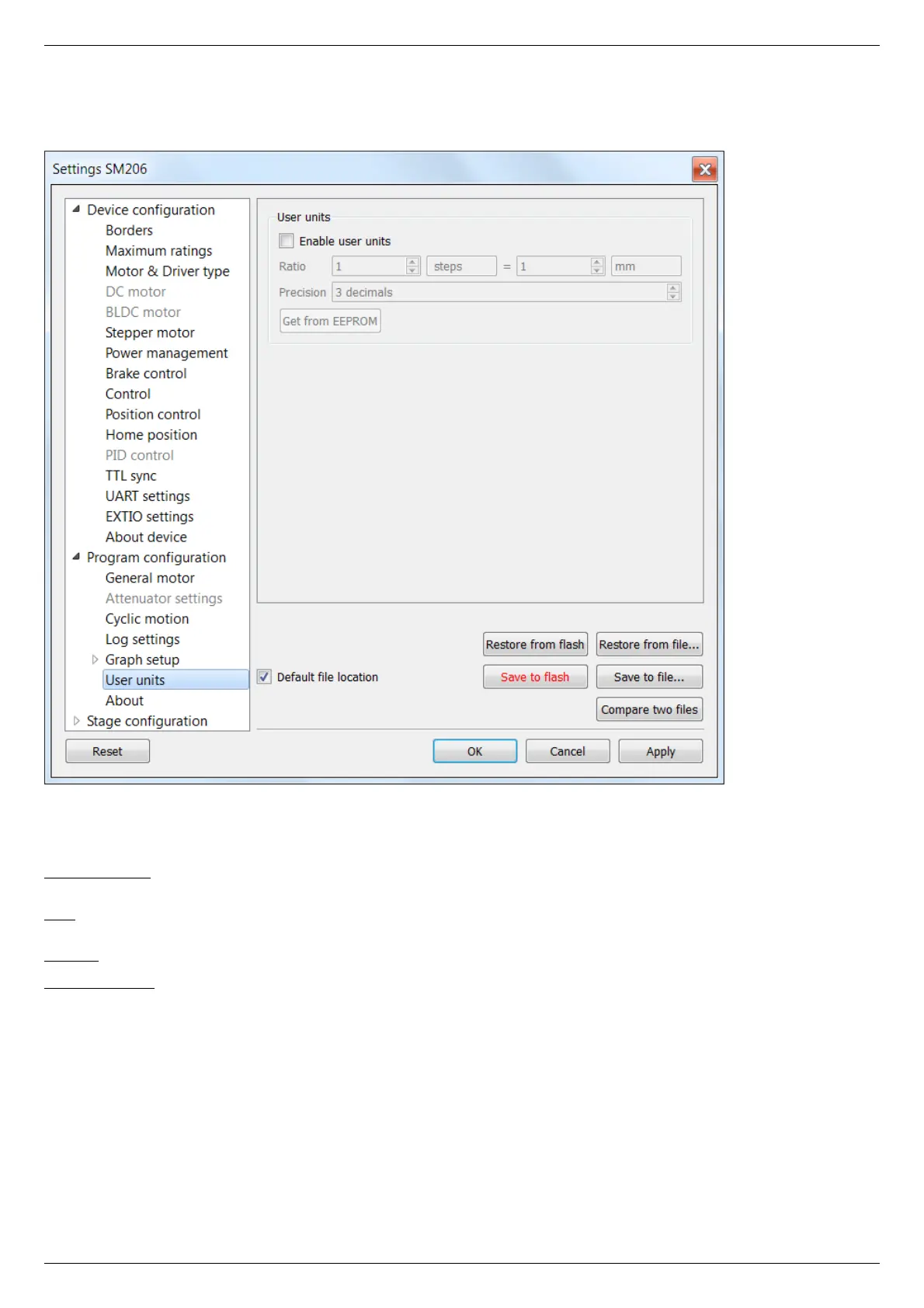
5.4.8. User units settings
In the Application Settings Program configuration -> User units
User units tab
Use this tab to configure user units display. Used to replace internal controller coordinates with units familiar to the user.
User units settings:
Enable user units - enables user unit display instead of steps (in case of stepper motor) or encoder counts (in case of DC motor). User
units replace steps(counts) only in the main XILab window and do not affect any of the Settings pages.
Ratio - conversion of controller steps to position units, set as a ratio of two integer values "x steps = y user units". Values "x", "y" and
unit name string are set by user.
Precision - displayed precision.
Get from EEPROM button reads user unit settings from connected EEPROM.



 To Next Page