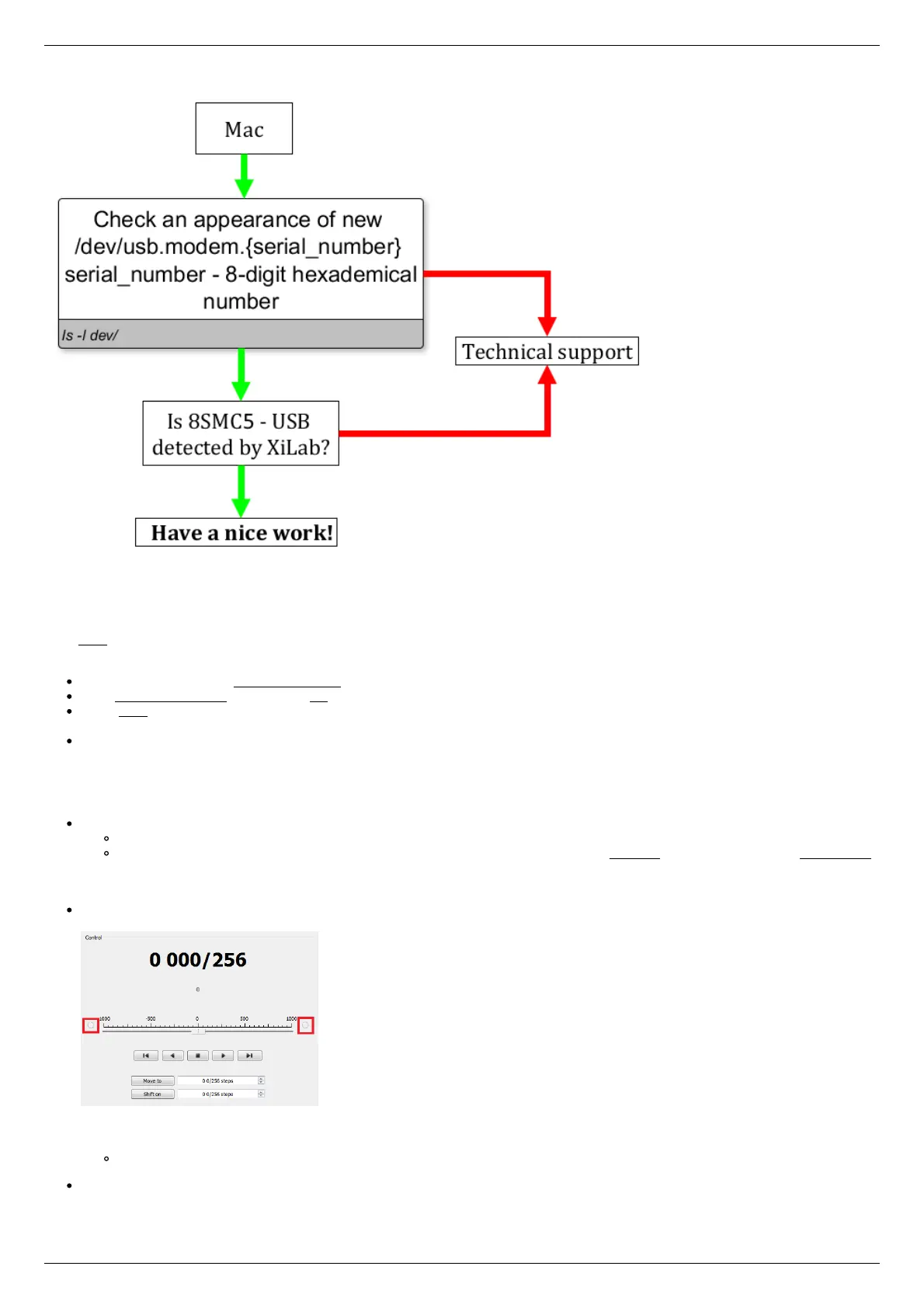
Unable to rotate the motor by the controller
Controller has Alarm state
Click Stop in the main window of XiLab. Controller must return to its normal state. If this approach was not helpful and Alarm state
emerged again, do the following:
Being in XiLab go to the Maximum ratings tab.
Mark Sticky Alarm flags option. Click Ок.
Press Stop in the main window of XiLab, it will temporary return controller to its normal state. Repeat the sequence of actions
leading to Alarm state.
Make the screenshot of XiLab main window and send it to the technical support with detailed description of your problem.
Motor vibrates without rotation
This problem has several reasons:
Installed incorrect profile for your motor/stage.
Search for a better match for the title of profile used by your motorized stage in XiLab folder or refer to enxisupport.
It is recommended to save your current configuration to file. To do this, in the Settings window of XiLab click Save to file
(see XiLab settings), choose path where you want to save the settings. Then send this file in technical support with
detailed description of the problem.
Incorrect configuration of limit switches, as result the stage rests the limit switch. This can usually be seen by the indicator
lights in XiLab.
The main reason for the incorrect setting of limit switches is incorrect configuration file for your positioner (see previous item).
Information about manual setting is located in manual profile setting. When such problem is emerged it is recommended to
contact the technical support for further assistance.
It is also one of the consequences of problems with limit switches can be mechanical jamming (see the next item).
Broken winding of the motor, problems with bad contact in connector etc. It is possible to diagnose this kind of problems
independently. For this purpose, we recommend to get XiLab graphs of voltage and current during the operation of motor. The



 To Next Page