Note. Web-interface is compatable with MS IE 9, MS IE 10, MS IE 11, MS Spartan, Firefox, Chrome browsers and
might not work as expected in others.
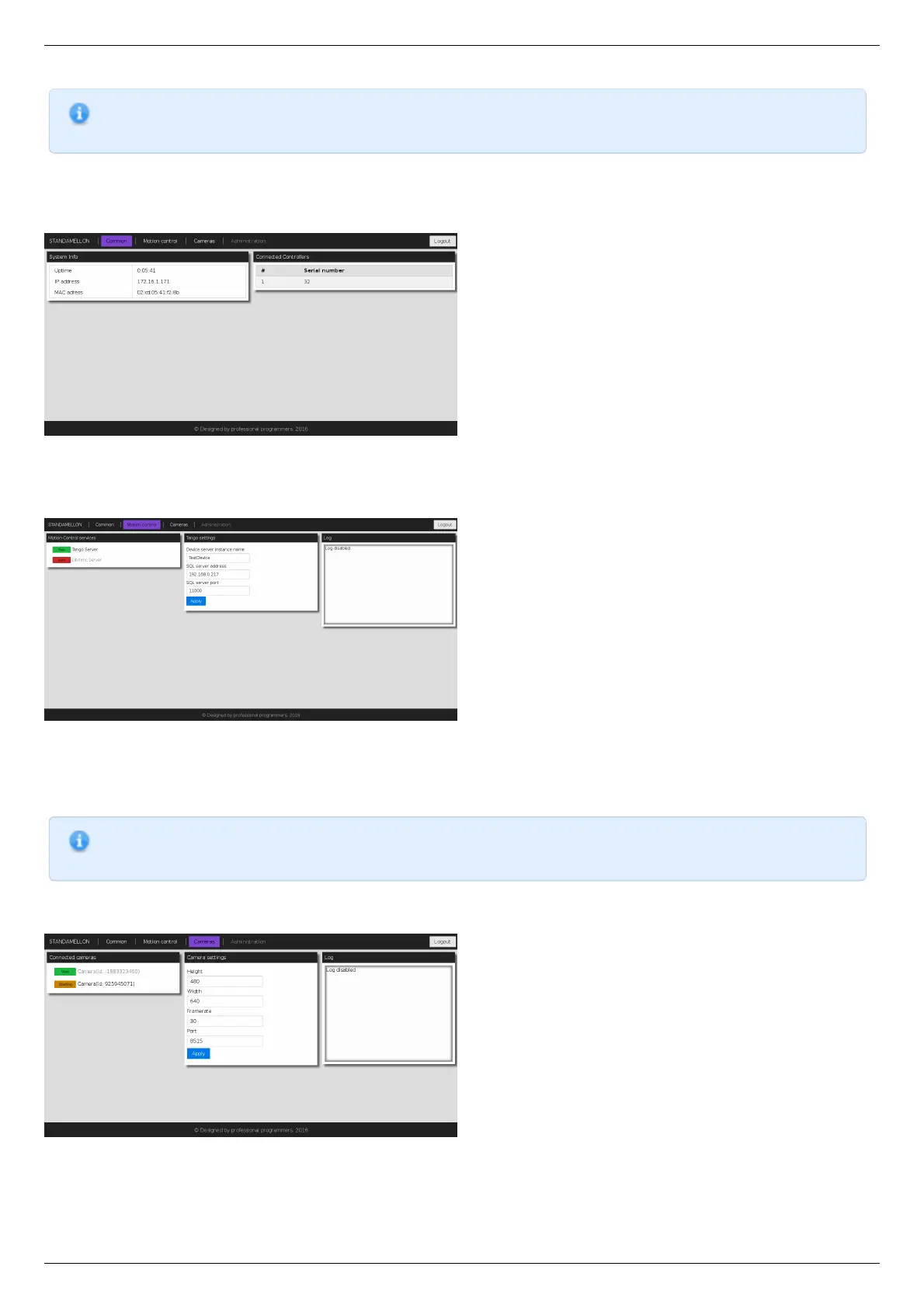
Administration interface is split into three functional sections.
"Common" section
Common section page
This section contains generic system information and decimal serial numbers of all controllers connected to the device.
"Motion control" section
Motion control section page
This section is dedicated to motion control services supported by the device. "Motion Control services" panel contains a list of all
currently available motion control services. Clicking on services' title opens an appropriate settings panel (or none if service has no
alterable settings). Clicking "Apply" button in settings panel will persist settings in database and restart corresponding service.
Note. Motion control services are mutually exclusive - only one can be active at any given moment. Starting one of the
services will automatically stop previous active if any.
"Cameras" section
Cameras section page
In this section there is a list of all connected cameras. Each camera is associated with streaming server instance, which exposes
settings, status indicators and controls.



 To Next Page