Helios Users Guide
www.starcomgpsglobal.com 101
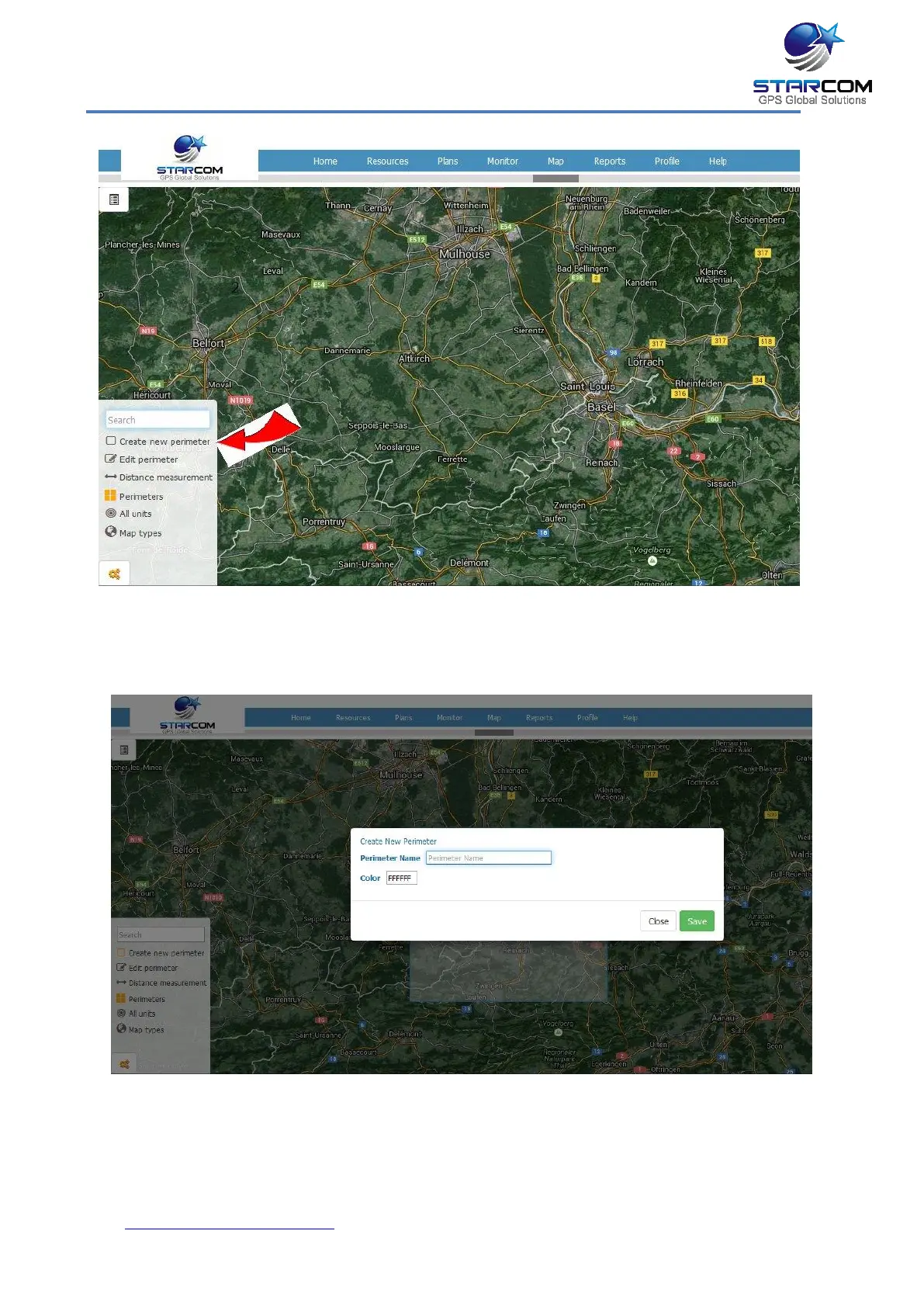
The cursor changes to a + and allows you to drag a rectangle over the
area you want to demarcate as a perimeter. Once the area is selected, a
text box appears.
In the Text field, enter the name of the perimeter. From the Color
palette, choose a color for the perimeter.



 To Next Page