Helios Users Guide
www.starcomgpsglobal.com 66
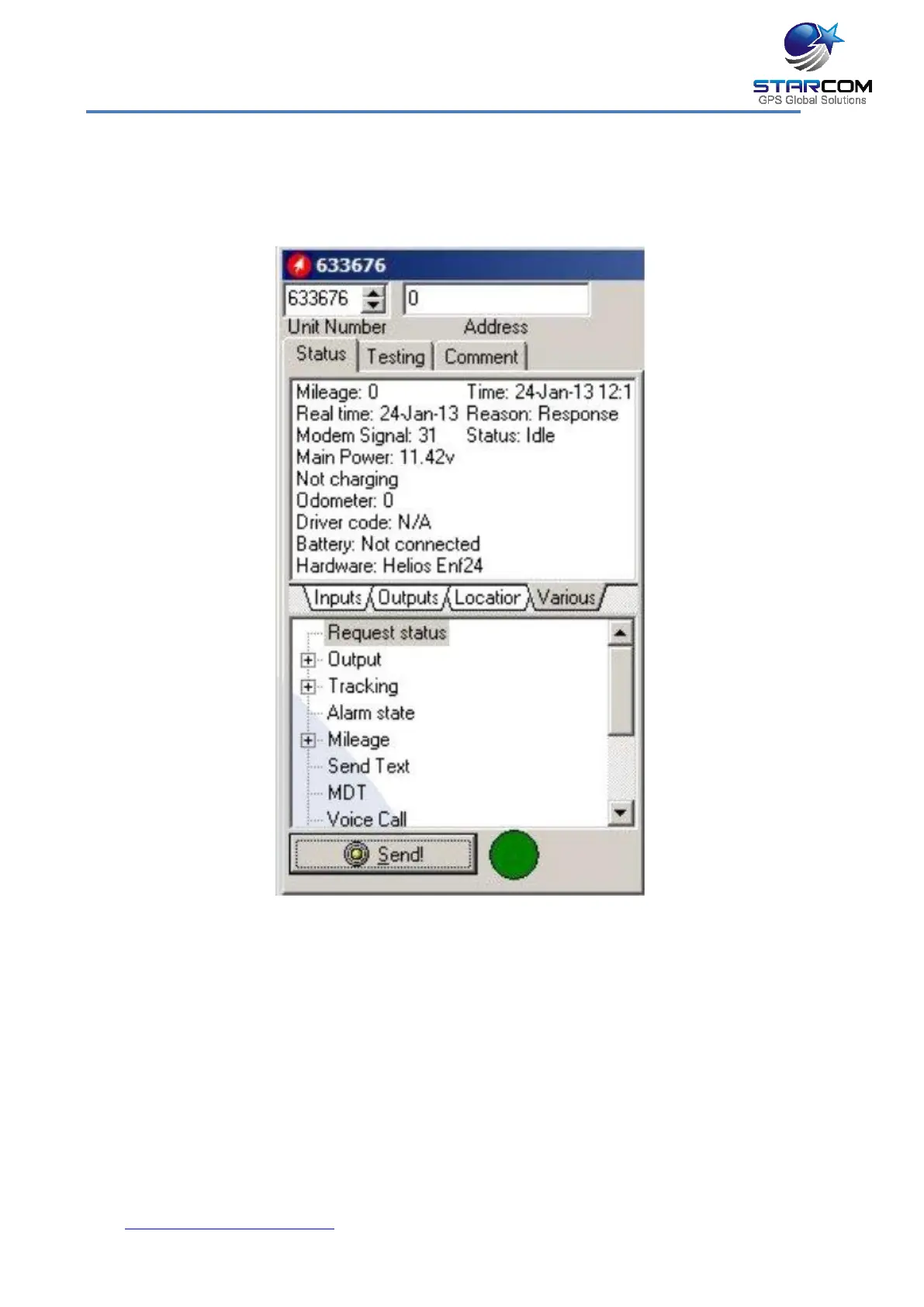
Unit Status
Open the Unit Status window. Enter the unit number in the Unit Number
field, select Request status and press Send. The unit information will appear.
Click on the Inputs tab, press on the Key, Arm, Doors, etc. buttons on the
Simulator, press Request status and check the response in the Unit Status
window. Use the Outputs tab to test the unit’s outputs response. Use the
Location tab to check the unit’s GPS data. Use the Various tab to see the unit
information.
After all the tests have been performed successfully, the unit is ready to be
installed in the vehicle.



 To Next Page