Helios Users Guide
www.starcomgpsglobal.com 88
7 Monitoring
After the unit is installed in the vehicle, you can monitor its status on SGS
Online. SGS Online is a web based fleet management application with a
flexible event generator which allows setting customizable notifications and
alerts.
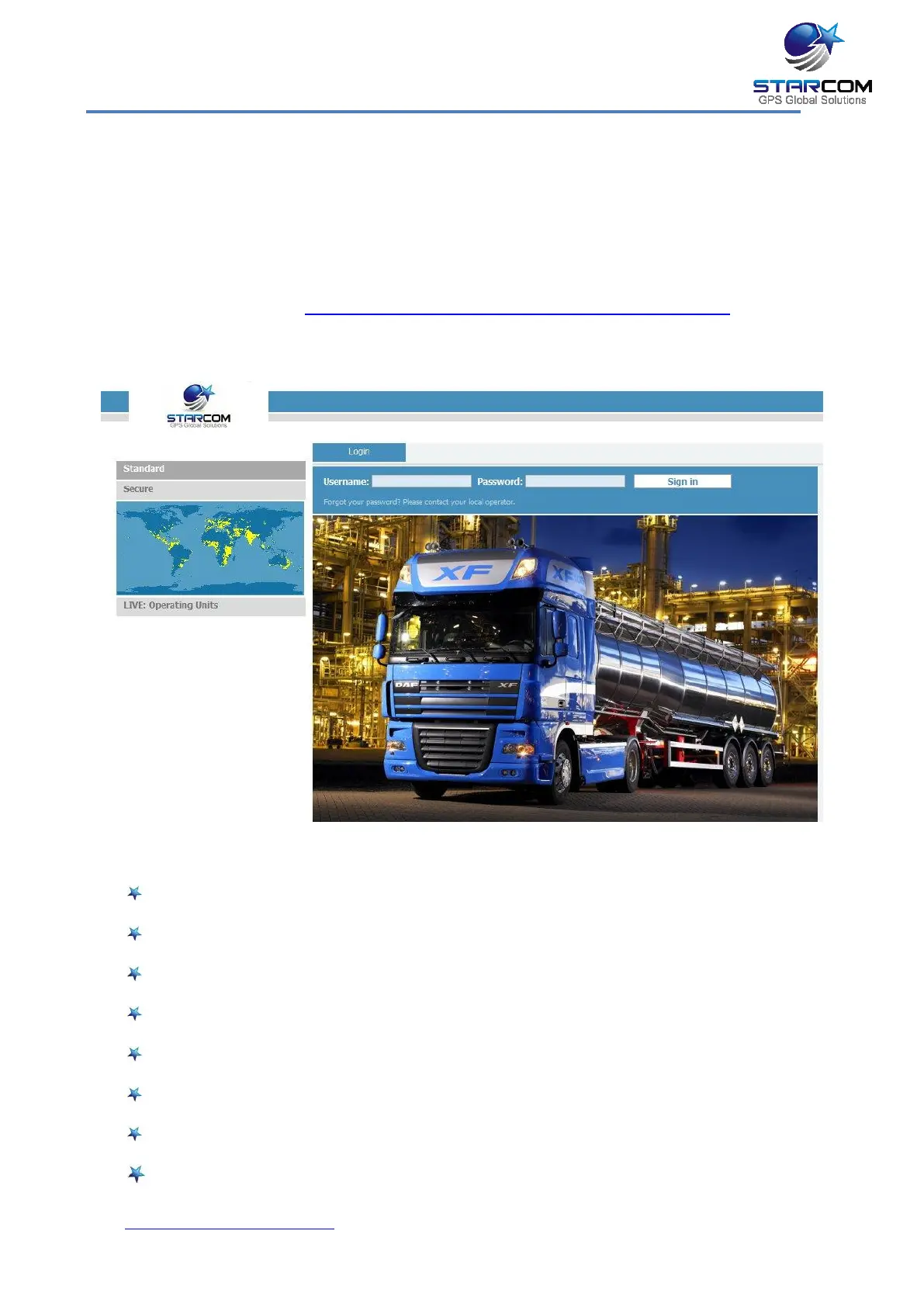
In your browser, go to http://starcomsystems.com/online/de_st.htm Enter
your username and password in the Username and Password fields, and click
Sign in.
Starcom Online horizontal menu bar features the following categories:
Home – lists the most recently accessed units, including their location.
Resources – allows managing the unit and customer information.
Plans – allows creating and managing events and alerts.
Monitor – monitors the events and alerts from the unit.
Map – displays the actual location of the unit on the map.
Reports – generates reports of the unit activity.
Profile – allows configuring your user properties.
Help – contains tutorials and knowledge base.



 To Next Page