Helios Users Guide
www.starcomgpsglobal.com 58
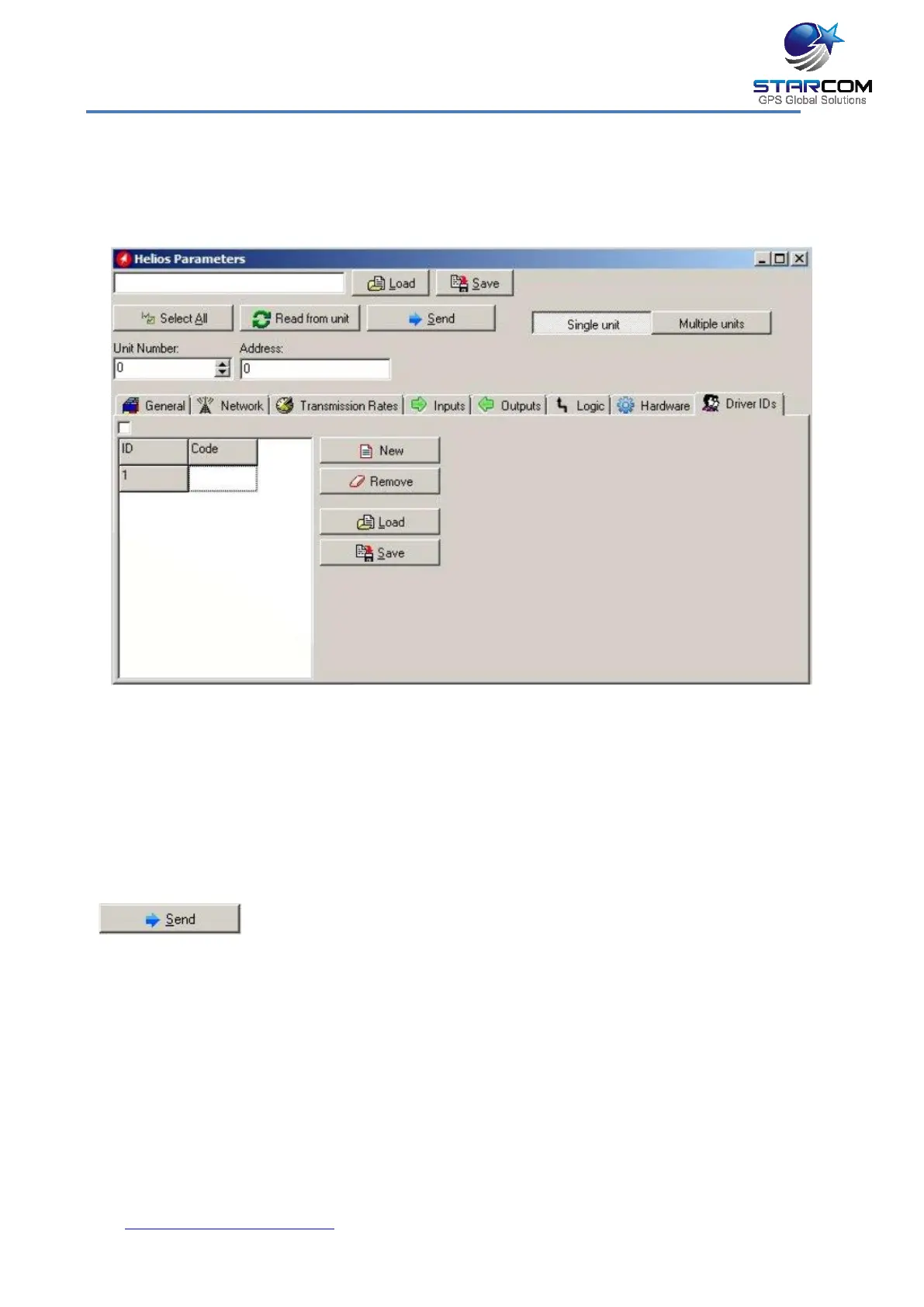
Driver IDs settings
This tab allows you to enter the driver codes to be used for arming and
disarming the unit.
To enter a code, click in the Code field and type the code. To add a new code,
press New and enter a code. To remove a code, select it and press Remove.
You can save and load lists of driver codes in *.csv format by using Load and
Save buttons.
You can enter up to 2000 codes.
Once all the necessary parameters are set, press the Send button
to send the changes you made to the unit.



 To Next Page