Helios Users Guide
www.starcomgpsglobal.com 91
Units
The Units page features the Details area, which arranges the unit
information in the following columns:
Number – the unit serial number. Clicking on the unit number link will
display the Unit Information page, where you can modify the unit
information.
Name – displays the icon and the name of the unit. Clicking on it will
reveal a pop-up menu with the quick access links to the Map and the
Reports sections.
Cellular Number – displays the phone number of the SIM card installed
in the unit.
Last Message – displays the time and date of the last message
transmitted by the unit.
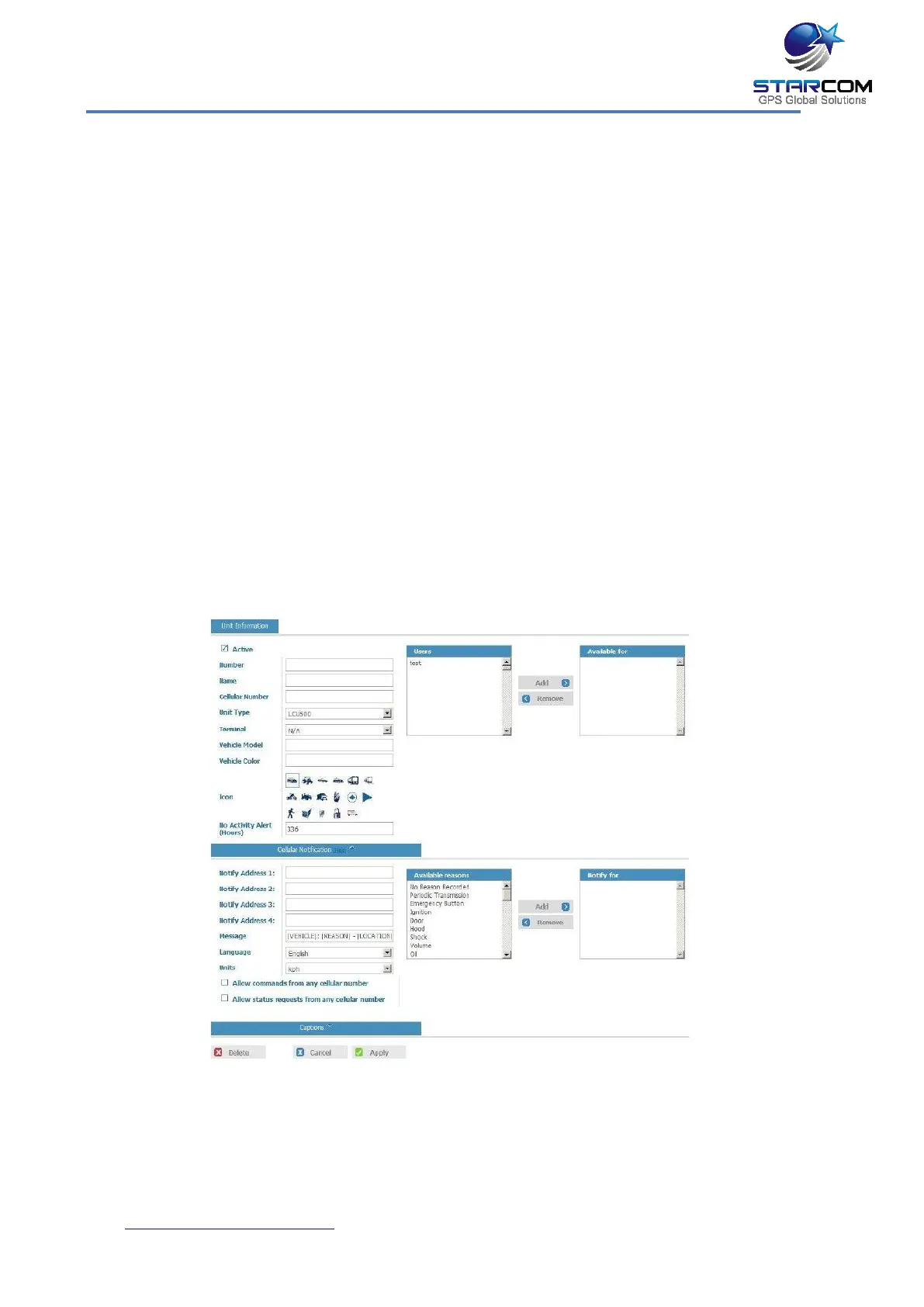
To create a new unit, click New (not available for evaluation kit users).
The Unit Information page opens.
Active – when selected (set by default), makes the unit active on Starcom
Online. To make the unit inactive, deselect this checkbox. No data will be
collected for inactive units; they will appear as dimmed in the units list.



 To Next Page