Helios Users Guide
www.starcomgpsglobal.com 53
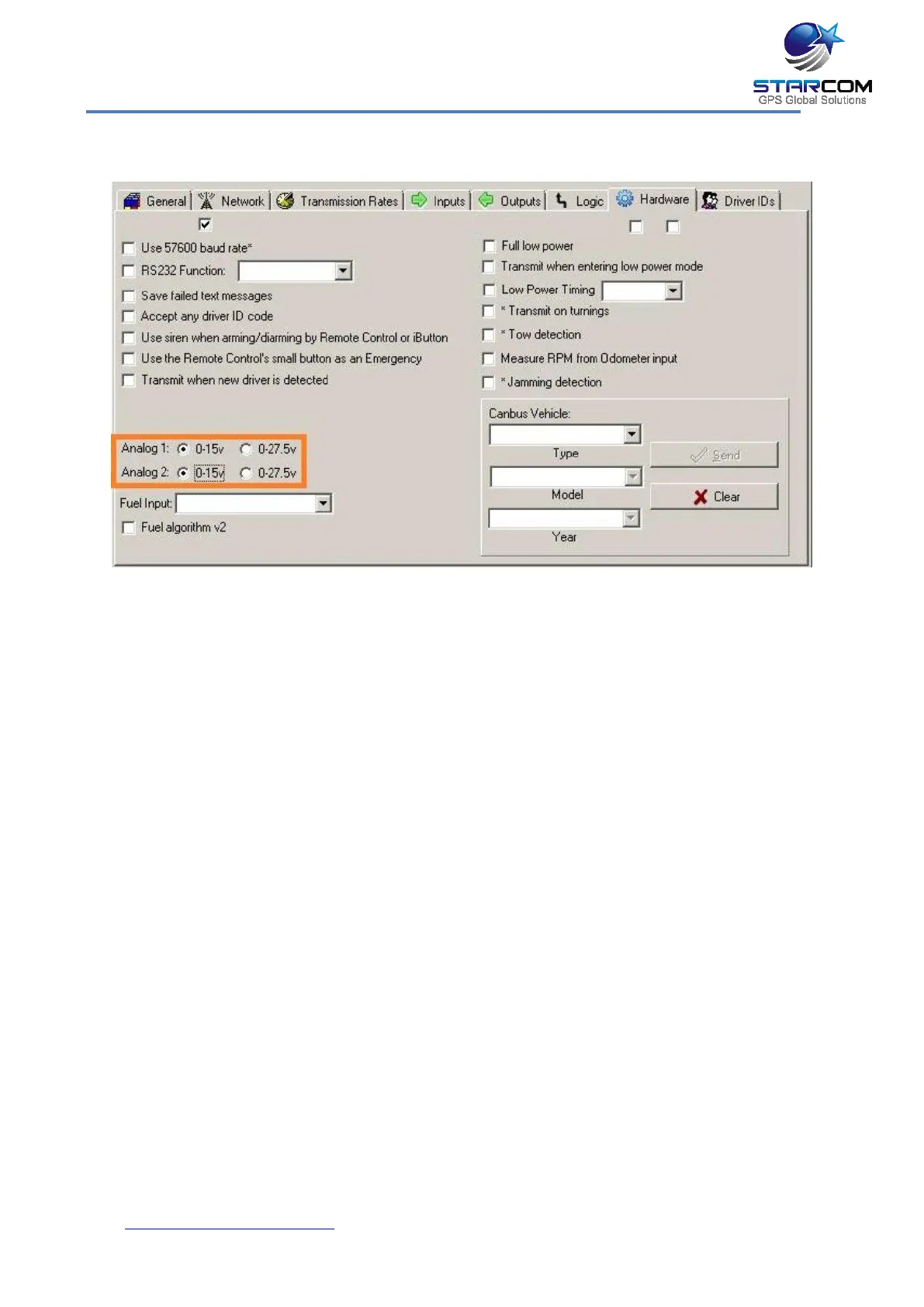
Analog input configuration on Helios TT and Basic
The analog / digital input on Helios TT and Basic units is configured as a
digital (Door) input by default.
To configure this input as analog, go to Helios Parameters > Hardware,
and select 0-15v or 0-27.5v in the Analog 1 field according to the
vehicle voltage.
Use the Analog 2 setting to indicate the input type as follows:
0-15v – Analog input
0-27.5v – Digital input



 To Next Page