Helios Users Guide
www.starcomgpsglobal.com 59
Saving the configuration
If you are planning to configure other units with the same parameters, you can
save these settings as a *.mem file. Click the Save button in the
Helios Parameters window, select the location where you want the
configuration file to be saved on your computer, name the file and press Save.
Configuring a new unit with the saved configuration
To configure a new unit with the saved parameters, click the Load button
in the Helios Parameters window, browse to the location where you
saved the configuration file, select the file and press Open. Click the Select All
button to select all the parameters and press the Send button
to send the changes to the unit.
Configuring multiple units using the wizard
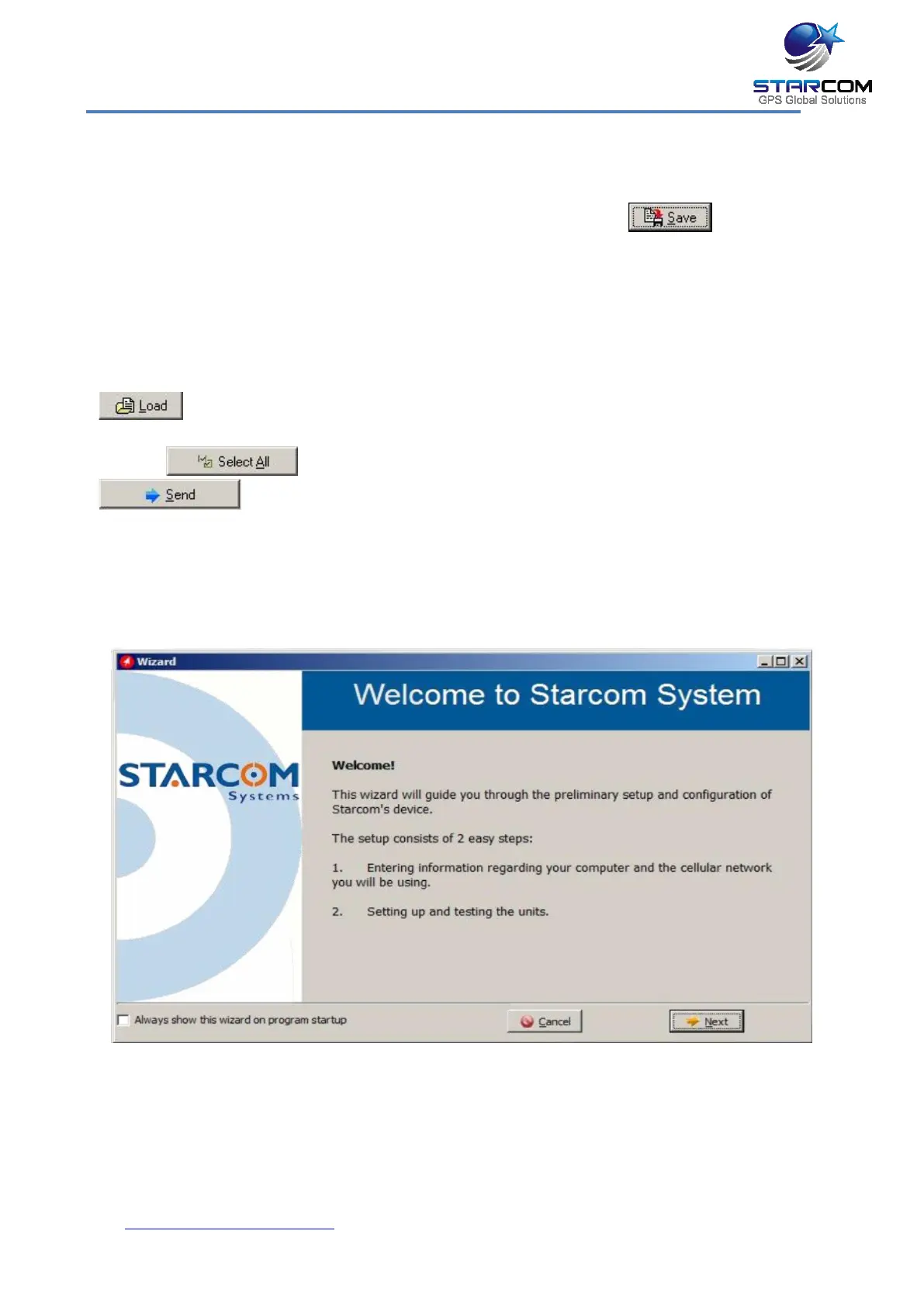
In the toolbar, click Wizard. The Welcome to Starcom System window appears.



 To Next Page