Helios Users Guide
www.starcomgpsglobal.com 35
Configuring the unit
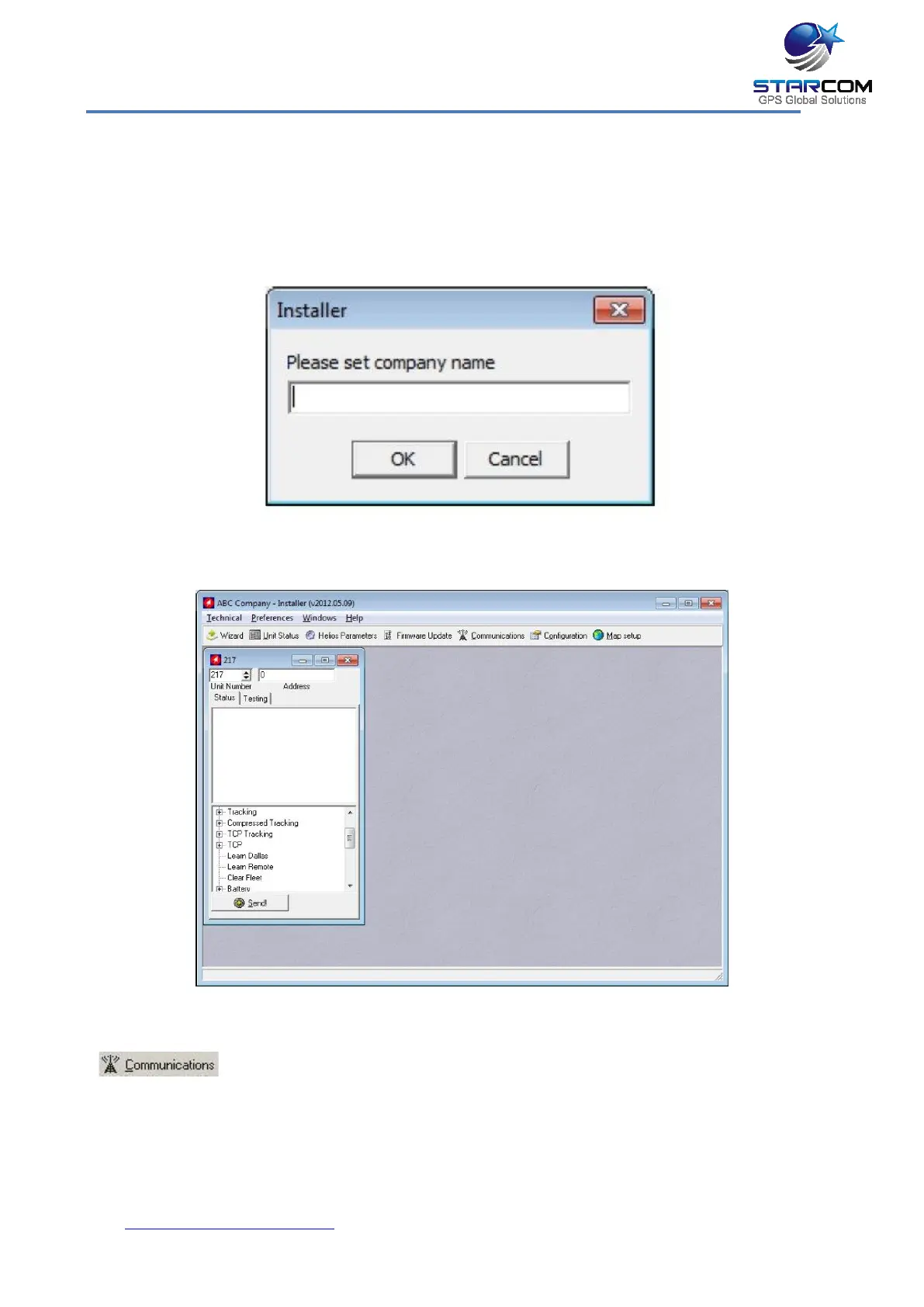
To open the Installer application, from the Start menu select Starcom
Systems > Installer Application. The Installer company name window
appears.
Enter your company name and click OK. The Installer window appears.
Click Technical > Communications, or press the Communications button
on the taskbar at the top of the window.



 To Next Page