Helios Users Guide
www.starcomgpsglobal.com 40
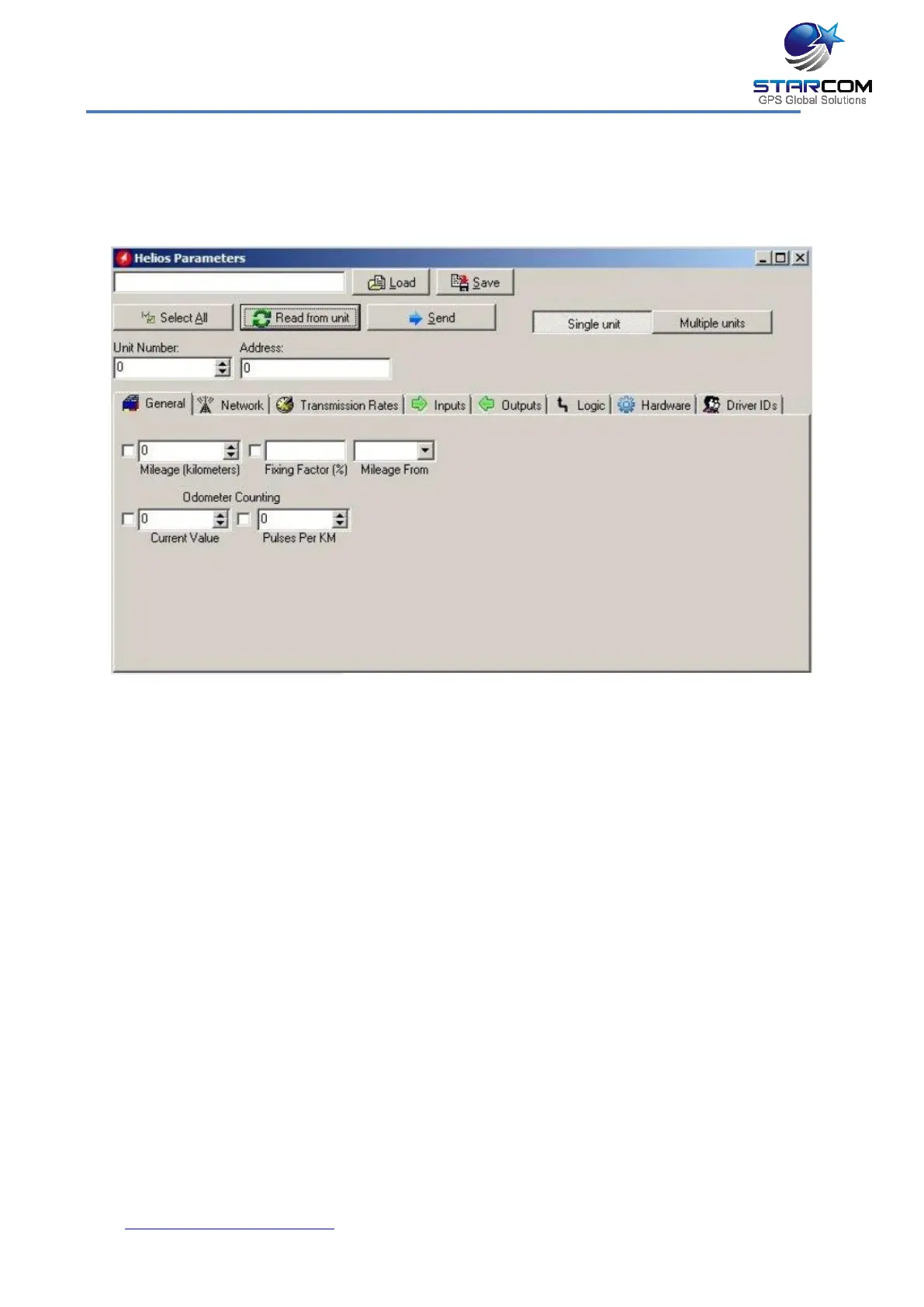
General settings
This tab allows you to configure the way the unit will register and calculate the
distance traveled by the vehicle.
Mileage (kilometers) – current mileage displayed on the vehicle dashboard.
Fixing Factor (%) – a factor to use when calculating mileage by GPS. The
default value is 100%. If, for example, there is a constant offset of 25% below
the actual mileage, this value should be changed to 125%.
Mileage From – in this dropdown list, you can select the method to use for
mileage calculation: GPS or Odometer.
Odometer Counting – if you chose to use odometer for mileage calculation,
configure the following fields:
Current Value – number of kilometers as shown in odometer.
Pulses Per KM – odometer pulses per one kilometer.
For more information, see Appendix B – Configuring Mileage.



 To Next Page