Helios Users Guide
www.starcomgpsglobal.com 39
Set the Baud Rate to 115200. Check the Activate checkbox and click Save.
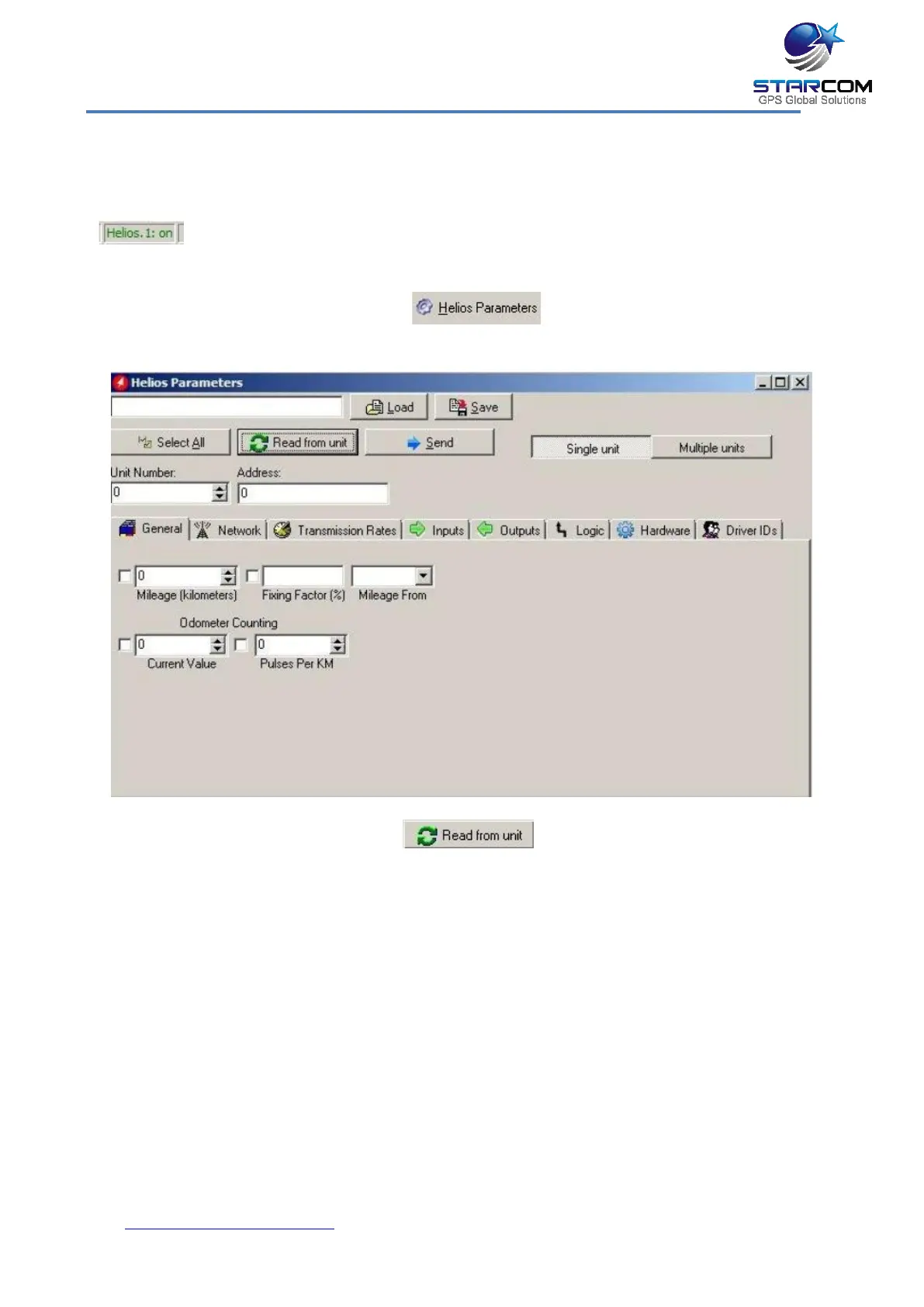
If Helios has connected successfully, a "Helios.1: on" notification will appear in
green color at the bottom left corner of the Installer application main screen
.
To access the unit parameters, press Technical > Helios Parameters, or click
on the Helios Parameters button on the taskbar at the top of
the Installer application window.
Press the Read from unit button to read the parameters already
configured in the unit.



 To Next Page