Helios Users Guide
www.starcomgpsglobal.com 112
Map
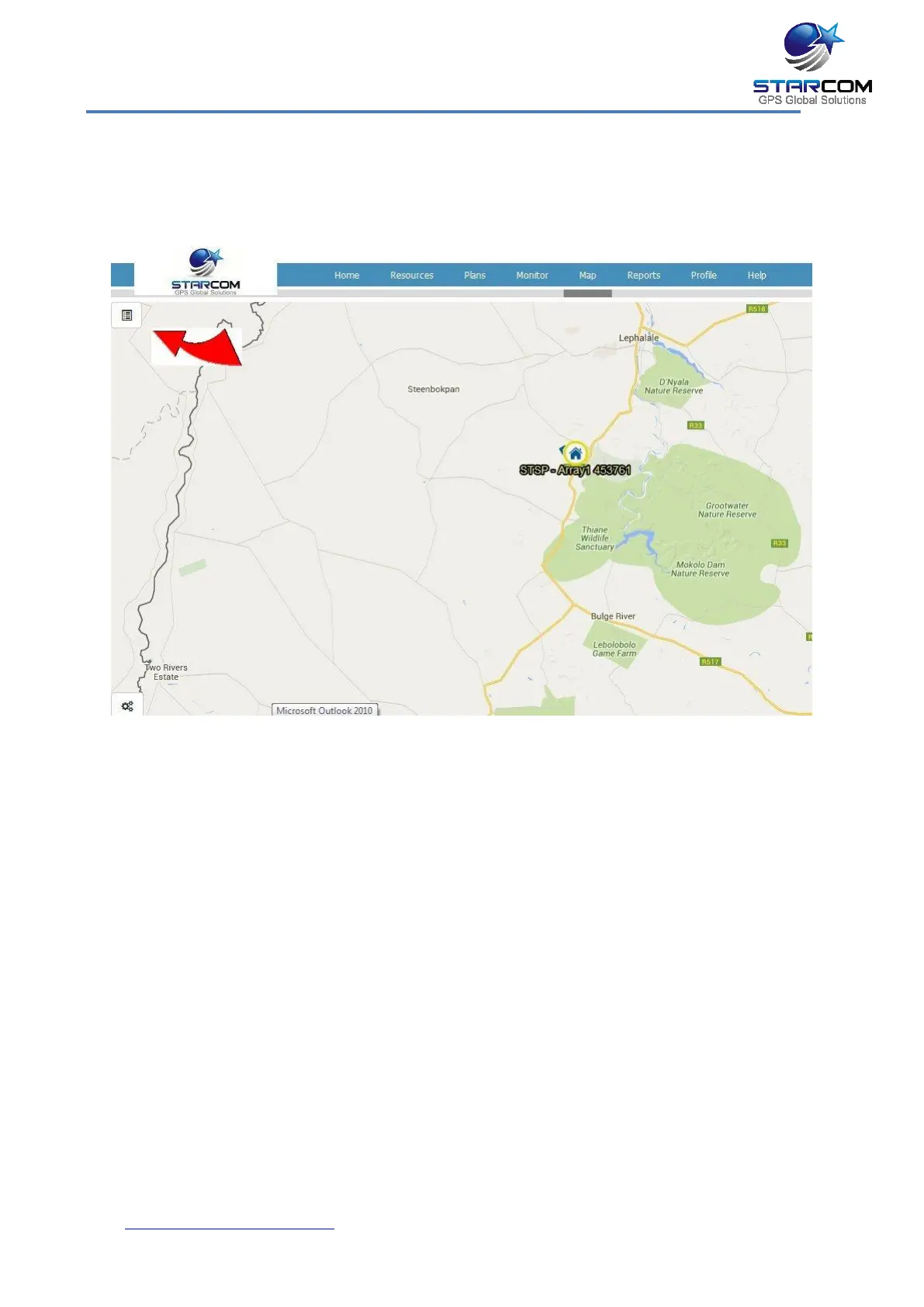
The Map page displays the location of a single unit, or a group of units. It also
shows the unit information and commands.
You can select vehicle, group or driver in the dropdown list on the left.
In the Search field, you can enter the unit number to be displayed.
You can switch the map view between Flash Maps (regular map) and Google
Maps by clicking the link at the bottom right corner of the page.
The Red Arrow shows the new hide / unhide system for Unit information on
page 110 and 111.



 To Next Page