Helios Users Guide
www.starcomgpsglobal.com 113
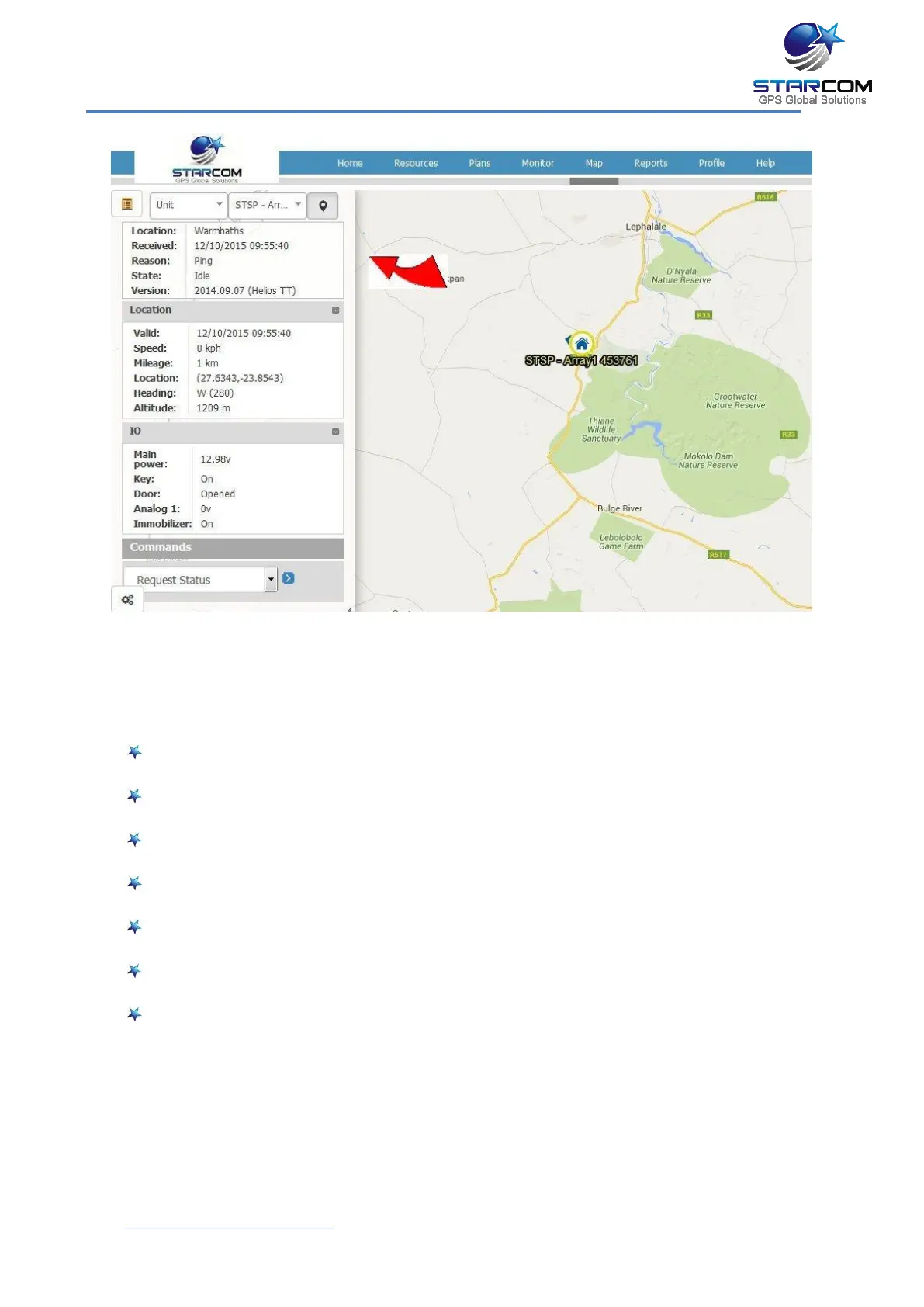
Once you select the unit, its location will be displayed on the map and its
information will appear on the left.
The following unit information is displayed:
Code – the unit name
Location – the address of the last GPS position of the unit
Received – the date and time of last transmission from the unit
Reason – the reason for the transmission
State – the unit logic state
Driver – the vehicle driver name
Version – the unit firmware version



 To Next Page