Helios Users Guide
www.starcomgpsglobal.com 33
Connecting the unit to the computer
There are 2 ways to connect the unit to the computer:
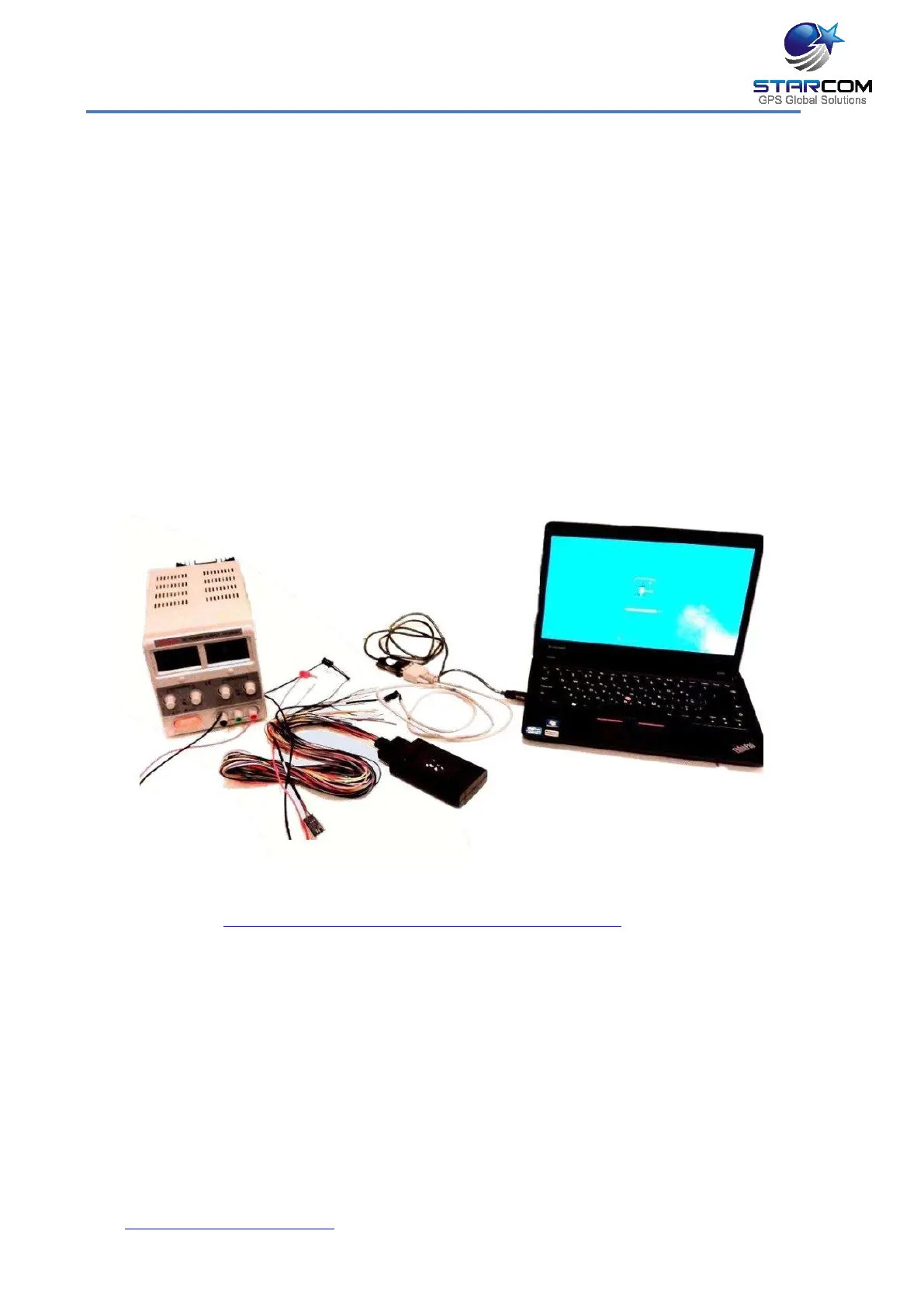
1. Using an RS232 cable and a power supply
Connect the Helios wire harness RED Power cable (Pin 5) and YELLOW Key
cable (Pin 4) to 12 V plus (+) on the power supply.
Connect the Helios wire harness BLACK GND cable to the 12 V minus (-) on
the power supply.
Connect the RS232 cable to the RS232 connector on the Helios wire harness
and to the COM / USB port on the computer. Install the RS232 cable driver on
your computer.
For Helios TT, use the RS232 cable supplied with the unit and the driver from
this location: http://www.ftdichip.com/Drivers/VCP.htm
NOTE: This method can be used to connect to the unit with a portable
computer, when the unit is installed in the vehicle.



 To Next Page