Helios Users Guide
www.starcomgpsglobal.com 26
Inserting the SIM card
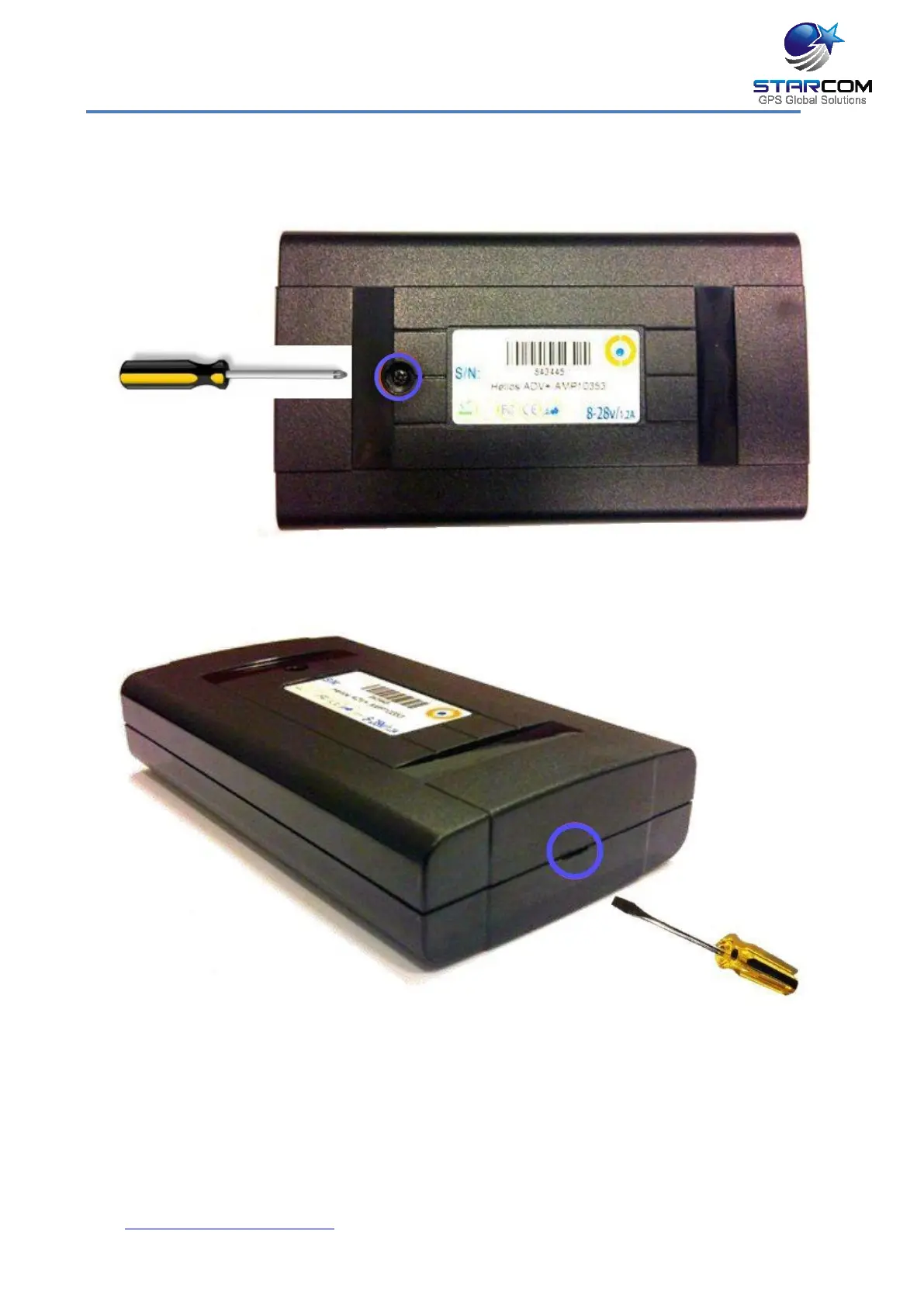
Use a small Phillips screwdriver to remove the screw from the bottom cover.
Insert a flat screwdriver in the slot between the unit covers. Carefully twist the
screwdriver to lift and open the unit cover.
Gently push and pull back the plastic SIM card holder to release and open the
SIM card slot. Raise it to an upright position.



 To Next Page