Helios Users Guide
www.starcomgpsglobal.com 25
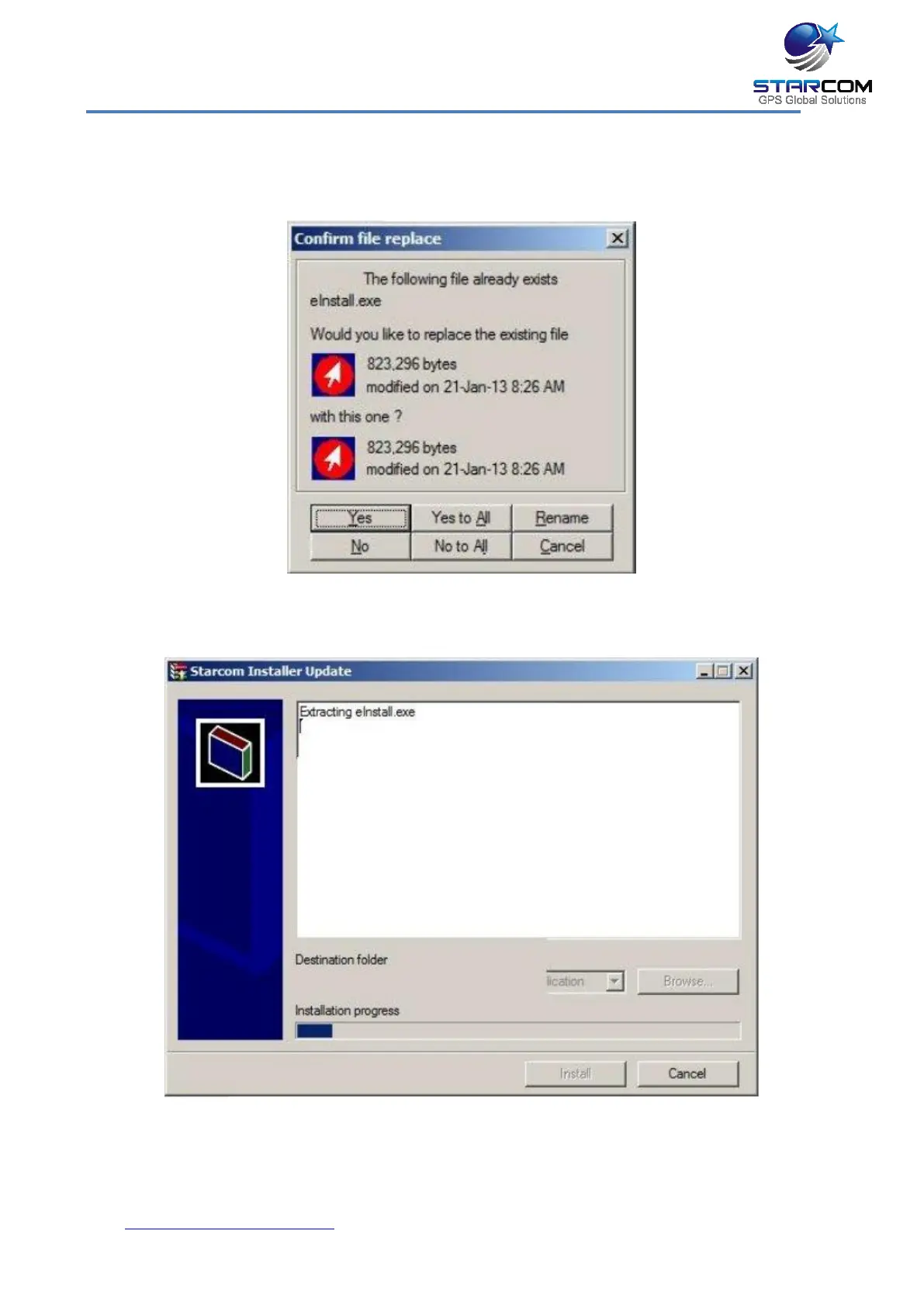
Verify that the Destination folder points to the location where the Starcom
Installer software is installed and click install. A Windows Security dialog box
appears. Click Yes. The Confirm file replace dialog box appears.
Click, Yes to All. The installation starts and a progress bar appears in the
window, indicating the progress of the installation.
The Starcom Installer Update window closes, when the update is complete.



 To Next Page