Helios Users Guide
www.starcomgpsglobal.com 65
GPS test
NOTE: If you're testing the unit inside the building, it will not be able to get a
GPS signal in most cases. In order to get a proper GPS location, the unit has to
be placed outside the building, or outside the window, where it can access the
satellites.
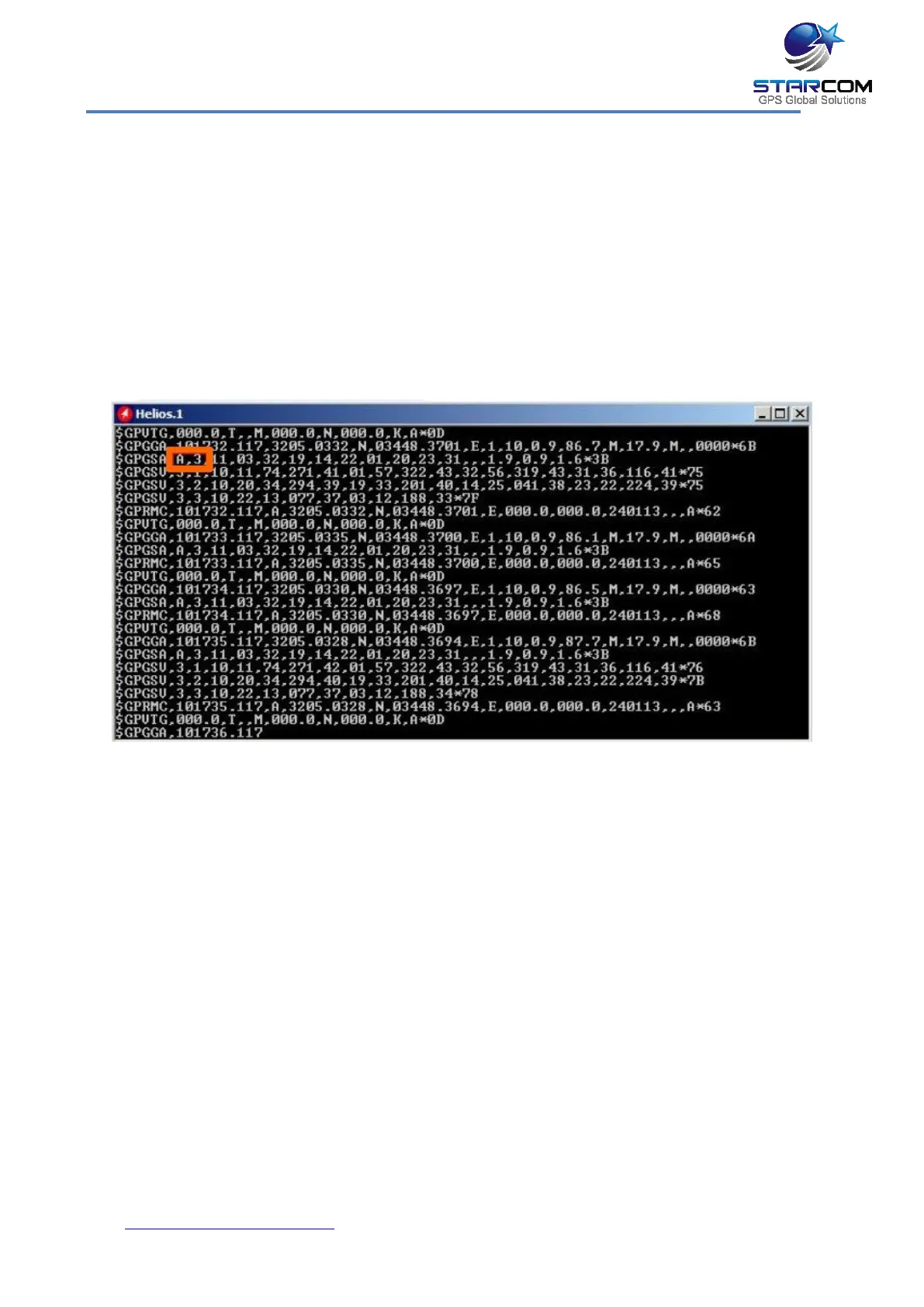
Open the Terminal window (Communications > Advanced > Communication
Window > Configuration > Helios.1 > Open Terminal) and type \tdg (GPS
mode). GPS readings will be displayed. When you see "A,3"... reading, it will
indicate a GPS fix signal.
If you do not see any response, type \tg1 to turn the GPS on and repeat the
test.



 To Next Page