Helios Users Guide
www.starcomgpsglobal.com 87
Helios Hybrid connection
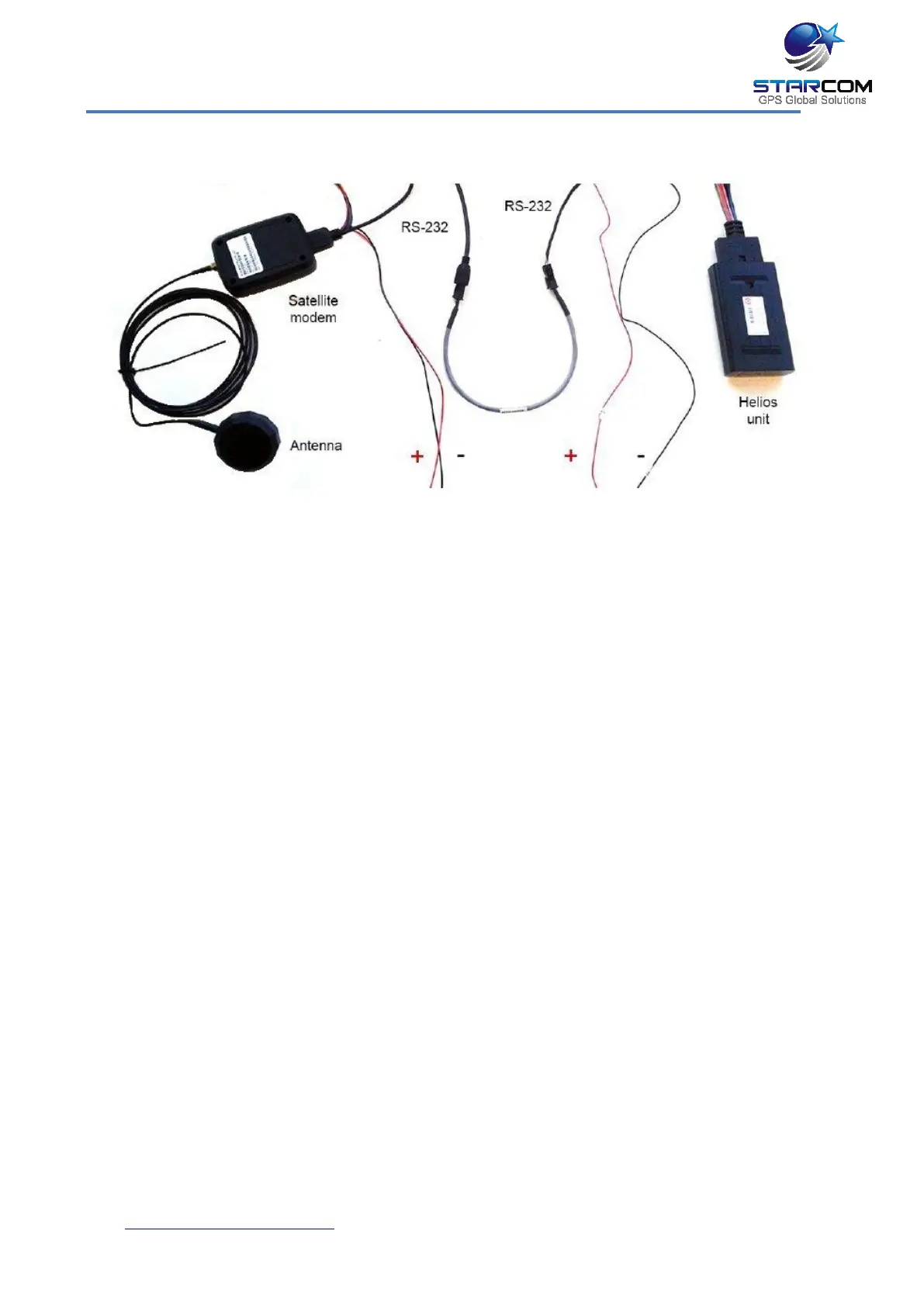
Connect the external antenna to the satellite modem.
Take a 10-pin wire harness and isolate the RED Power cable (+), BLACK GND
cable (-) and RS232 connector from the rest of the harness.
Connect the special RS232 Male to Male cable to RS232 connector on the
satellite modem wire harness and to the RS232 connector on the Helios wire
harness.
Connect the RED Power cable (+) from the satellite modem wire harness to 12
V power source. Connect the BLACK GND cable (-) from the satellite modem
wire harness to ground.



 To Next Page