Helios Users Guide
www.starcomgpsglobal.com 57
Jamming detection
The new jamming detection function (currently available for units with u-
blox modem only) is triggered if the unit detects two of more cell towers,
but cannot connect to them due to interference.
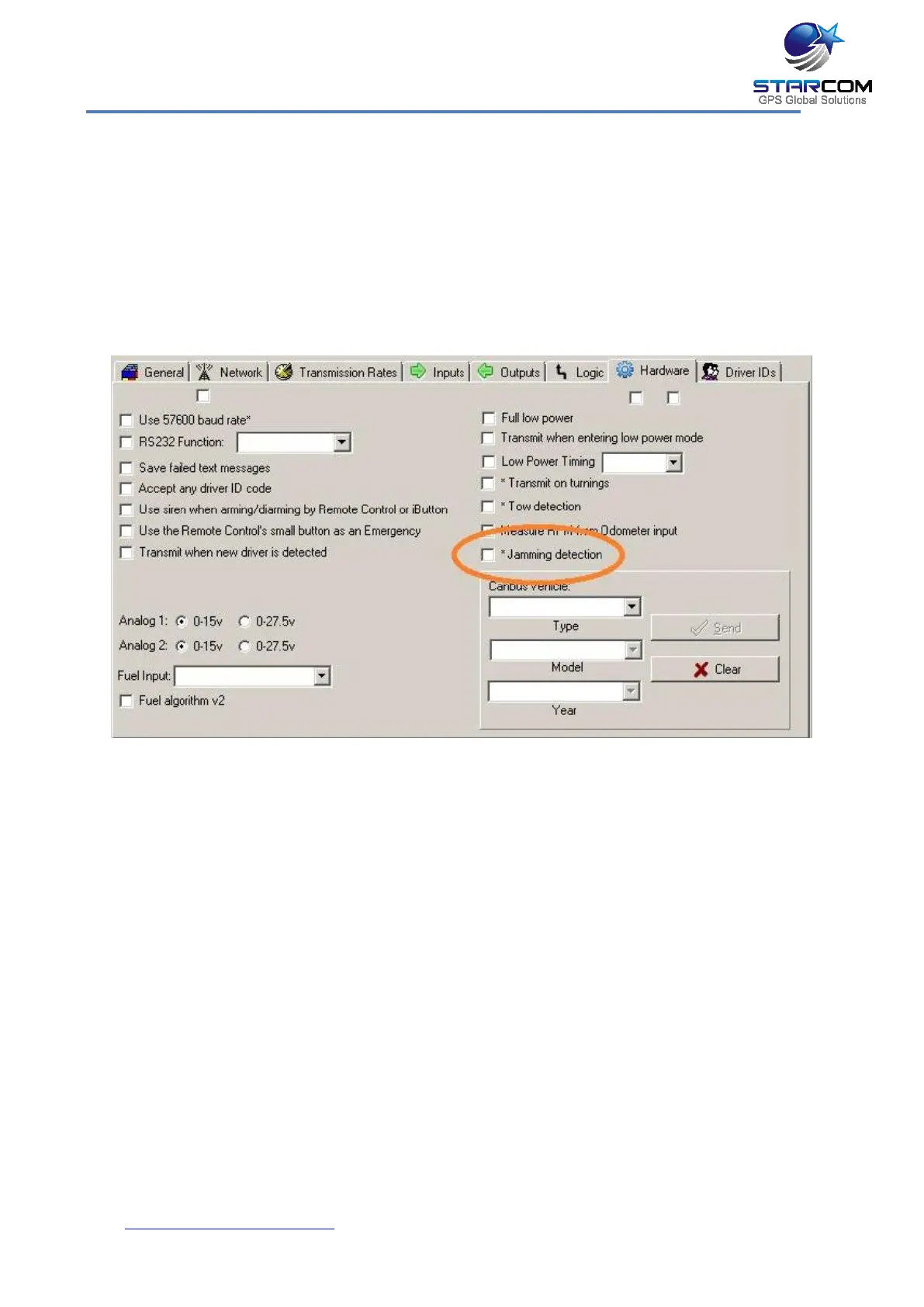
In order to implement this function, go to Helios Parameters >
Hardware and enable the Jamming detection option. Press the Send
button to send the changes to the unit.
To configure the jamming alert, go to Starcom Online > Plans > Events
> Types and create a Jamming event type by selecting Transmit Reason
> Jamming and Set Output > Gradual Stop type options.
Click Apply, go to Events and create an event for the unit based on the
Jamming type.
Click Apply and wait for several transmissions for the unit to receive the
event and save it in its memory. For more information, see Chapter 7 –
Monitoring > Plans.
If a jamming situation occurs, the unit will activate the event sequence
immediately and send an alert once it reconnects to the cellular network.



 To Next Page