Helios Users Guide
www.starcomgpsglobal.com 60
NOTE: Click the Always show the wizard on program startup checkbox, if
you want the wizard to start each time you run the Installer application.
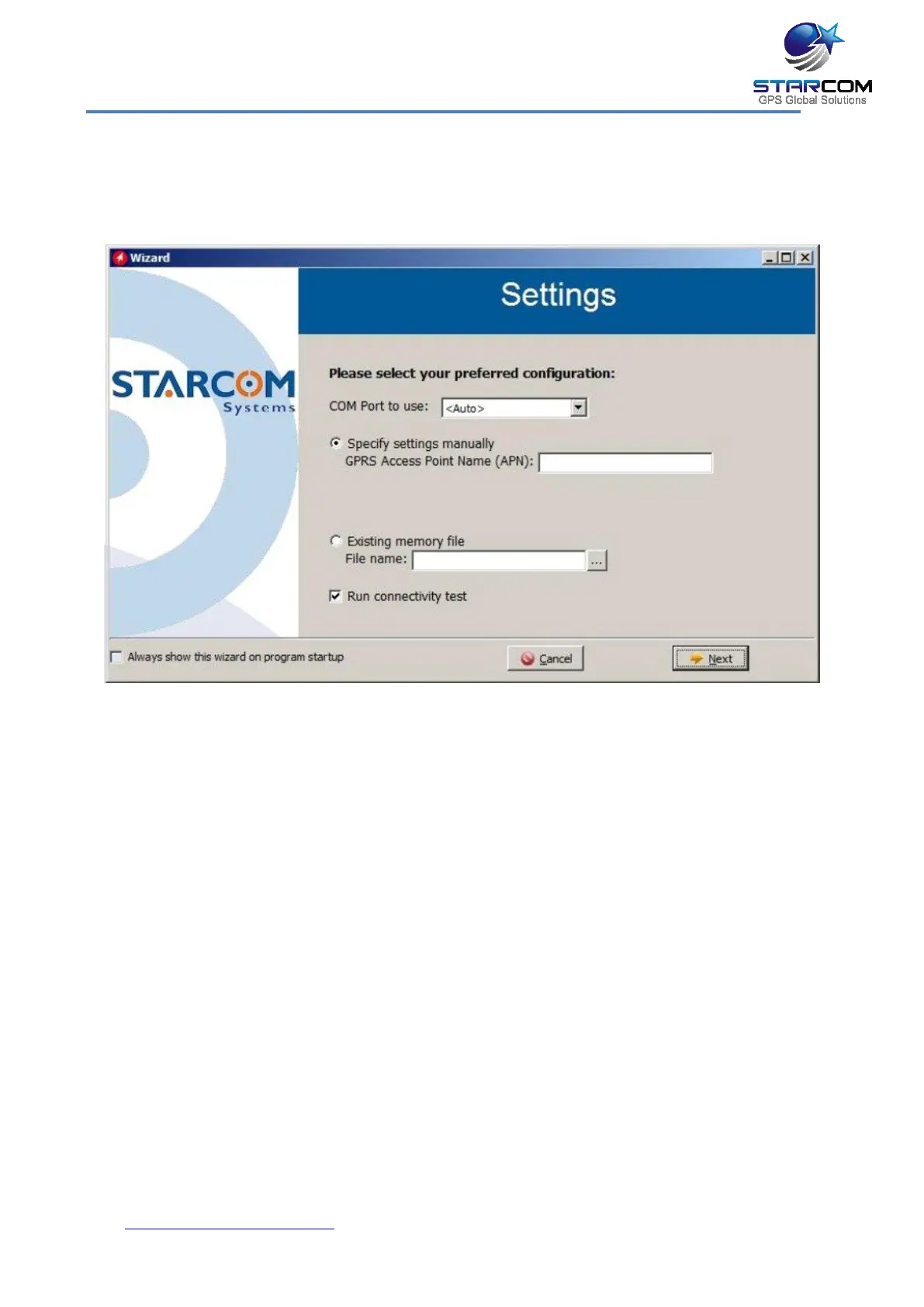
Click Next. The Settings window appears.
You can specify the settings manually by entering the GPRS Access Point
Name (APN), or use a saved *.mem file to configure the unit with by selecting it
in the Existing memory file field.
Click Run connectivity test, if you want the wizard to perform a TCP test.
Click Next. The Operation window appears.



 To Next Page