Helios Users Guide
www.starcomgpsglobal.com 118
Searching the Map
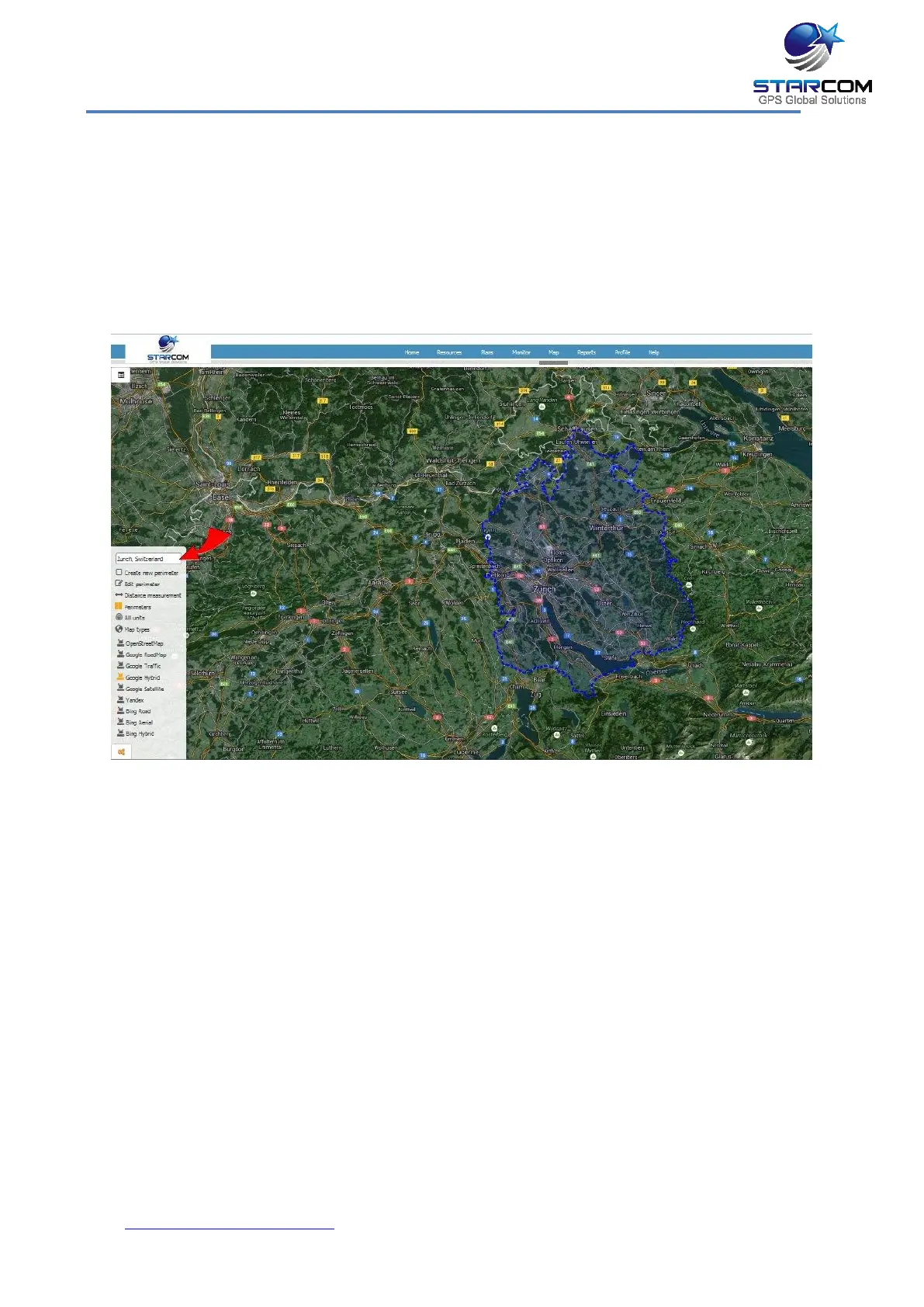
You can search a map using the Search tool.
To search a map:
1. Select the Search map tool. A pop-up box appears in which you can enter
your search criteria.
2. Enter the City and Street in the respective fields, and click the Search arrow.
The map updates and shows the selected location.
NOTE: As you type the name of a search criterion, a list of matching names,
from which you can select the required name, appears.



 To Next Page