Helios Users Guide
www.starcomgpsglobal.com 123
The Send to field is populated with the default email address for the
unit.
You can change this address or add additional email addresses,
separated by a semicolon.
Click Apply. The report schedule is saved and added to the list of
scheduled reports.
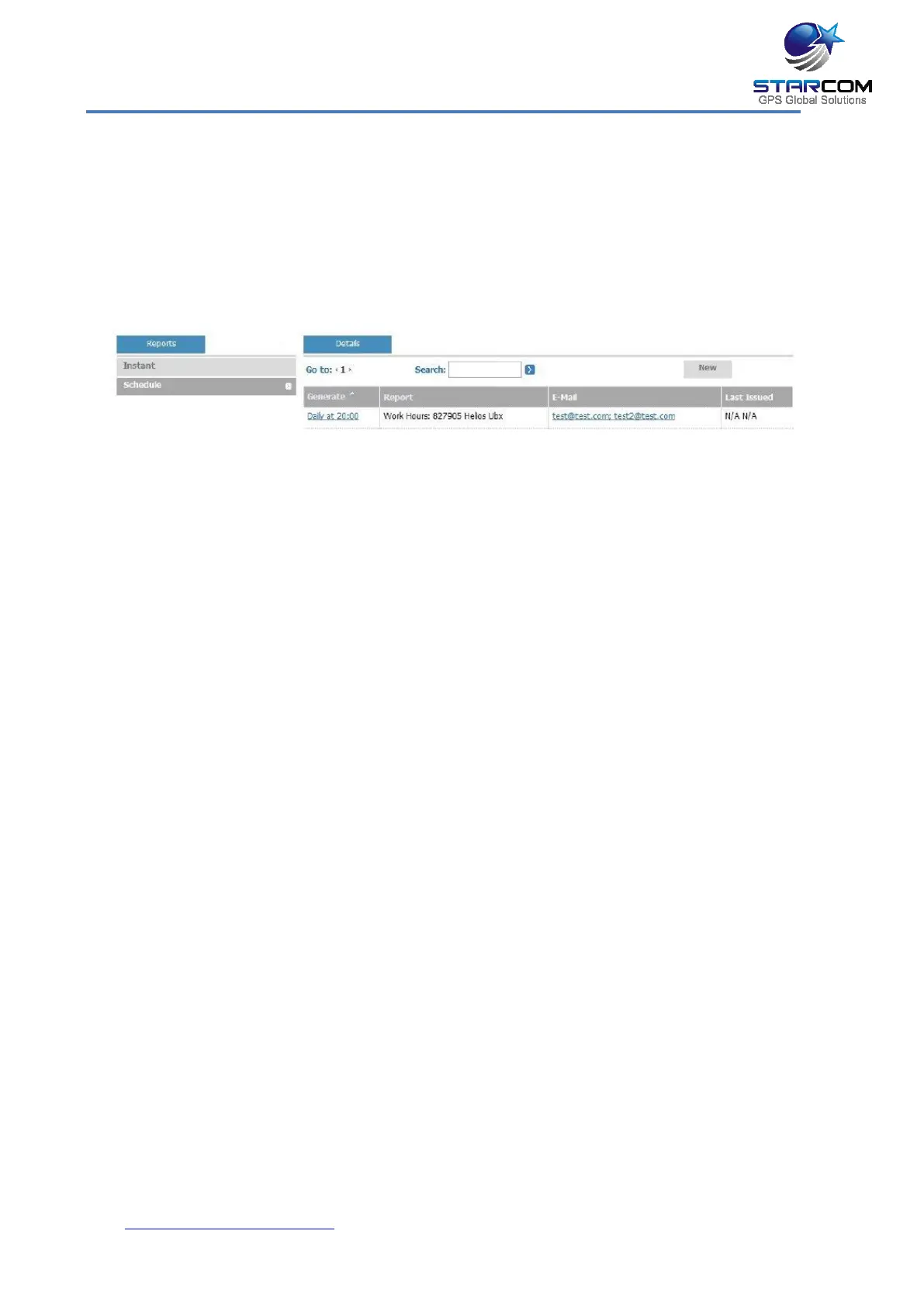
To modify a scheduled report, in Reports, click Schedule. In the Details
section, under the Generate column, click the link of the report schedule
you want to modify. The Report Scheduling page appears. Modify the
report schedule as required. Click Apply. The modified schedule details
are saved.
To delete a scheduled report, in Reports, click Schedule. In the Details
section, under the Generate column, click the link of the report schedule
you want to delete. The Report Scheduling page appears. Click Delete.
The scheduled report is deleted.



 To Next Page