Helios Users Guide
www.starcomgpsglobal.com 141
WARNING: Do not connect negative voltage to the fuel pump, as this may cause
damage.
Connect the fuel gauge wire to Analog 1 YELLOW/BLUE cable on 24-pin Helios
wire harness (Pin 11).
After connecting the analog input to the sensor, you need to configure the
correct analog input that will be used for fuel level monitoring and calibrate the
analog input to the correct values of the sensor.
Configuration
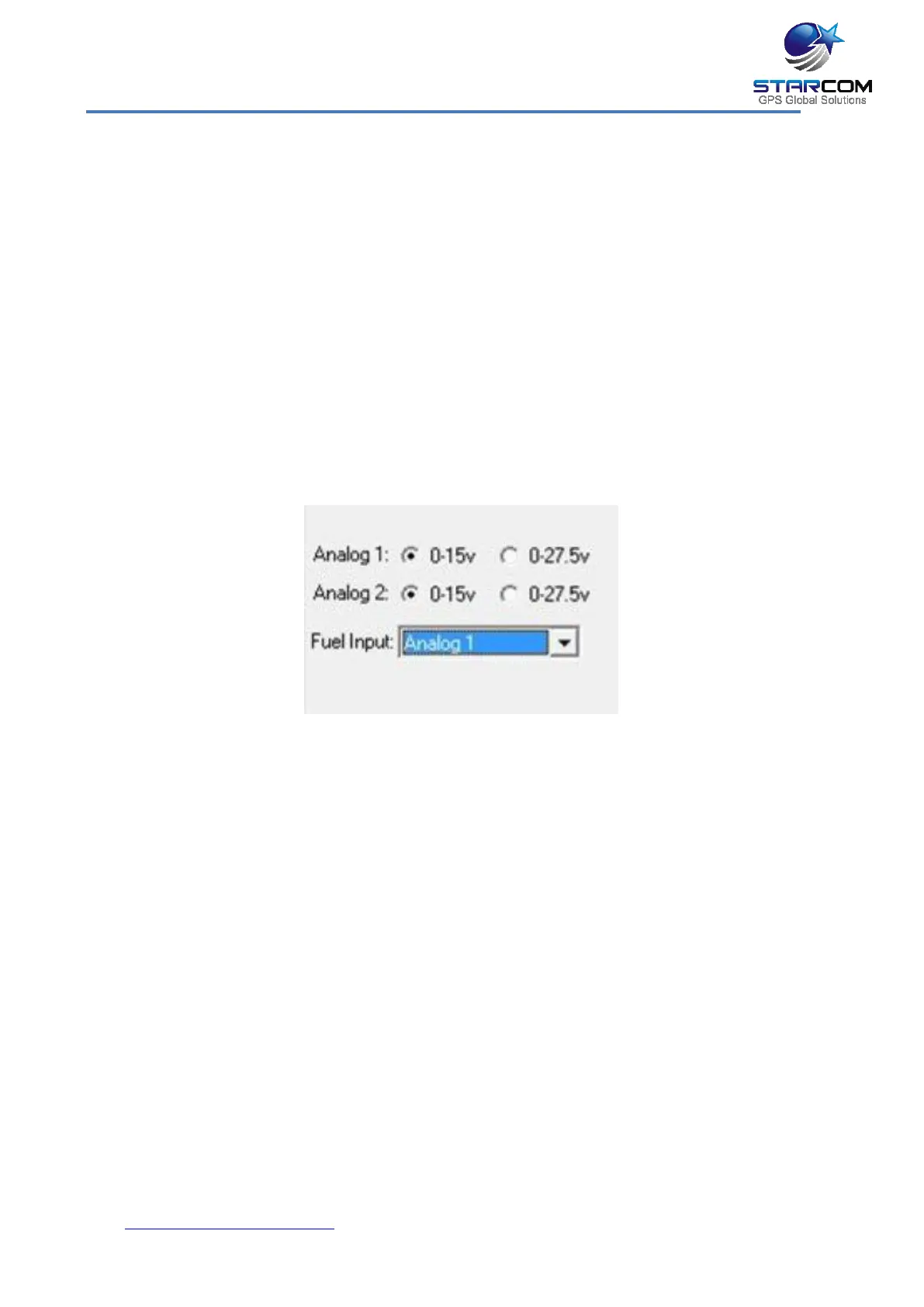
In Installer, after connecting the analog sensor to the analog input, go to
Helios Parameters > Hardware. In the Fuel Input dropdown list, select the
analog input that will be used to monitor the fuel level. Once the input is
selected, choose the correct voltage range that the sensor operates on.
On Starcom Online, go to Unit Information and open the Captions section.
Select the correct analog input in the Fuel dropdown list. When finished, press
Apply.



 To Next Page