Helios Users Guide
www.starcomgpsglobal.com 37
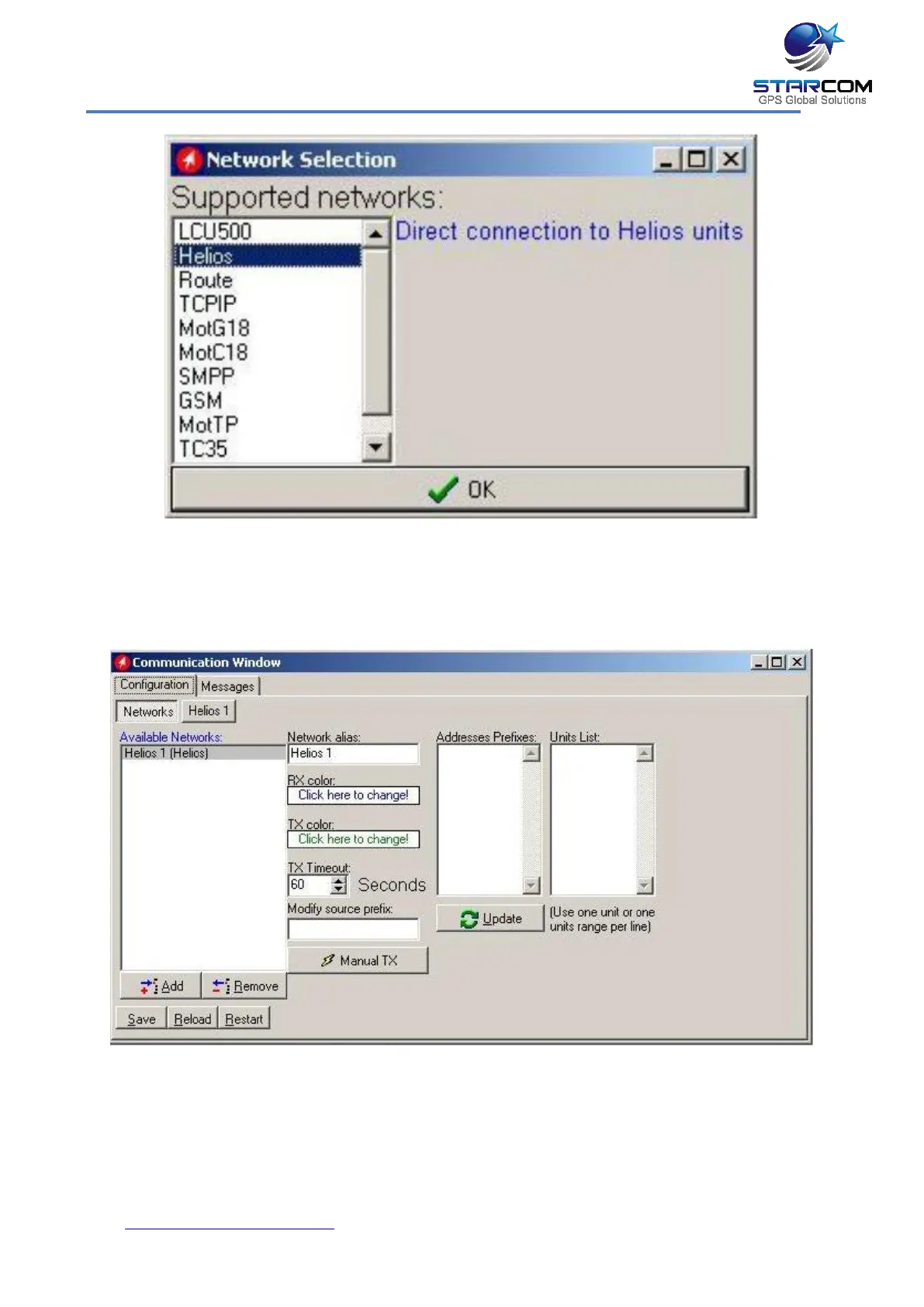
Select Helios from the list and press OK to add a Helios network.
The Communications Window will now display the new connection, which is
named Helios 1, in the Available Networks list.
Click on Helios.1 button to configure and activate the connection.



 To Next Page