Helios Users Guide
www.starcomgpsglobal.com 79
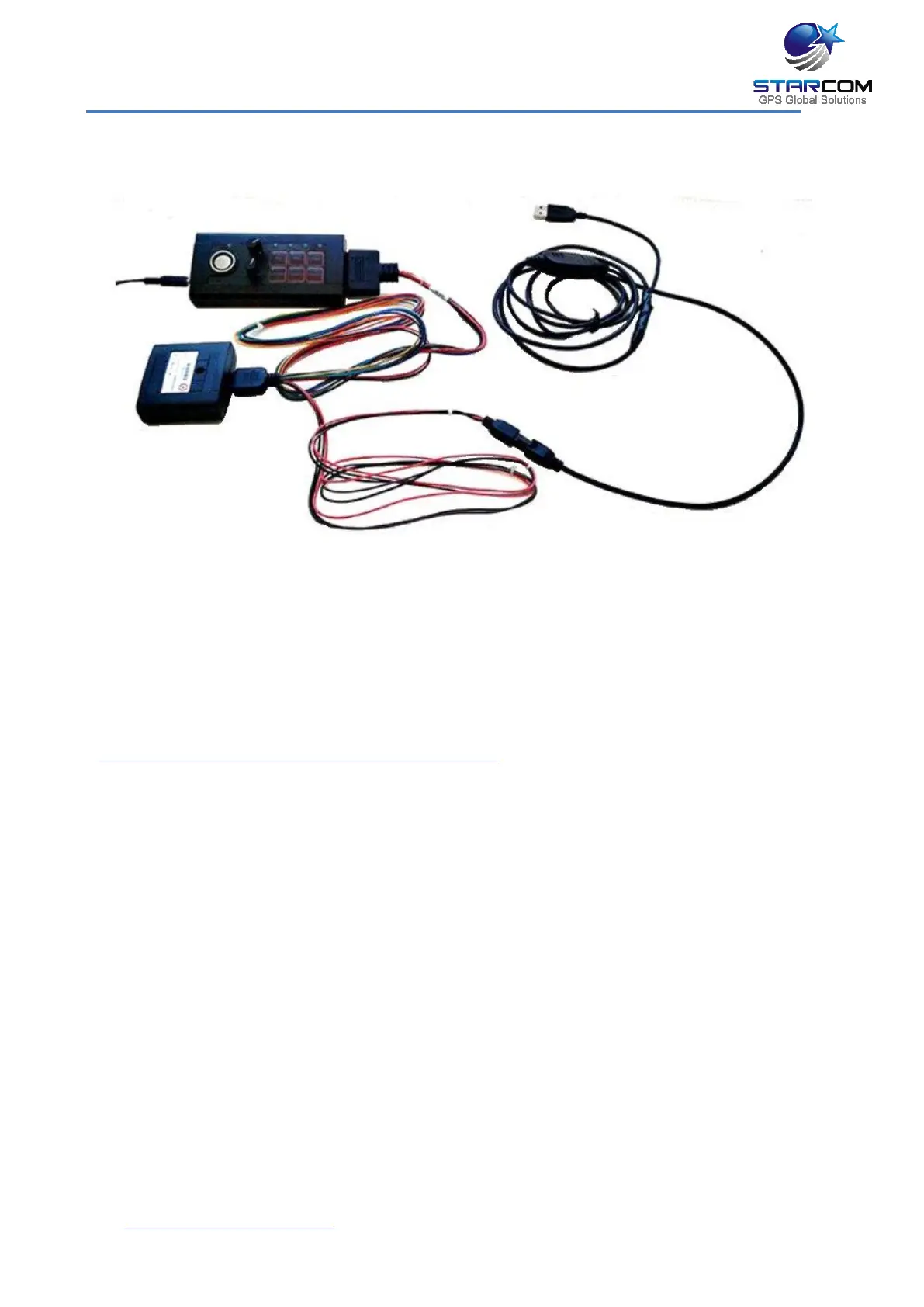
The following image shows how to connect Helios TT unit to the Simulator.
Connect the Helios TT unit to the Simulator with the 10-pin wire harness.
Connect the Helios TT unit to the computer with the RS232 cable. Connect the
Simulator power supply and plug it into an electrical outlet. Turn the
Simulator on.
Download and install the Helios TT RS232 cable driver from the following link:
http://www.ftdichip.com/Drivers/VCP.htm



 To Next Page