Helios Users Guide
www.starcomgpsglobal.com 93
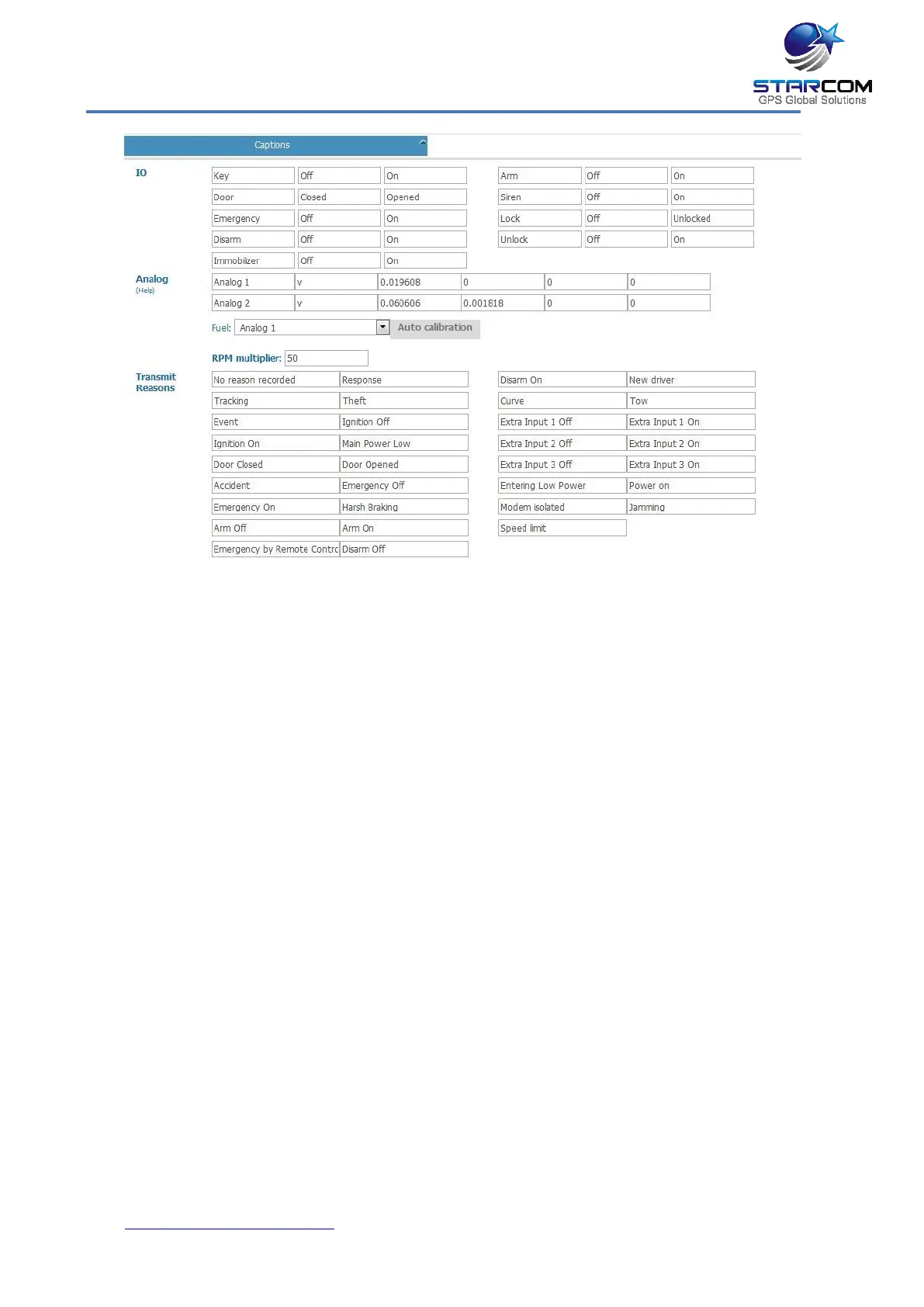
This section features the captions for various fields, like unit inputs,
outputs, transmit reasons, etc. which are used throughout the system.
The Analog settings help you configure the use of the unit analog inputs,
which are usually used for fuel or temperature measurement. For more
information, see Appendix F – Fuel Measurement and Temperature Sensor
guide.
When finished, click Apply. The new unit is saved.
To modify a unit, in the Units page, click on the unit name link of the
unit you want to modify. The Unit Information page appears. Modify the
unit details as required. Click Apply. The modified unit details are saved.
To delete a unit, in the Units page, click on the unit name link of the
unit you want to delete. The Unit Information page appears. Click
Delete. The unit is deleted.



 To Next Page