VIEW ERROR LOG
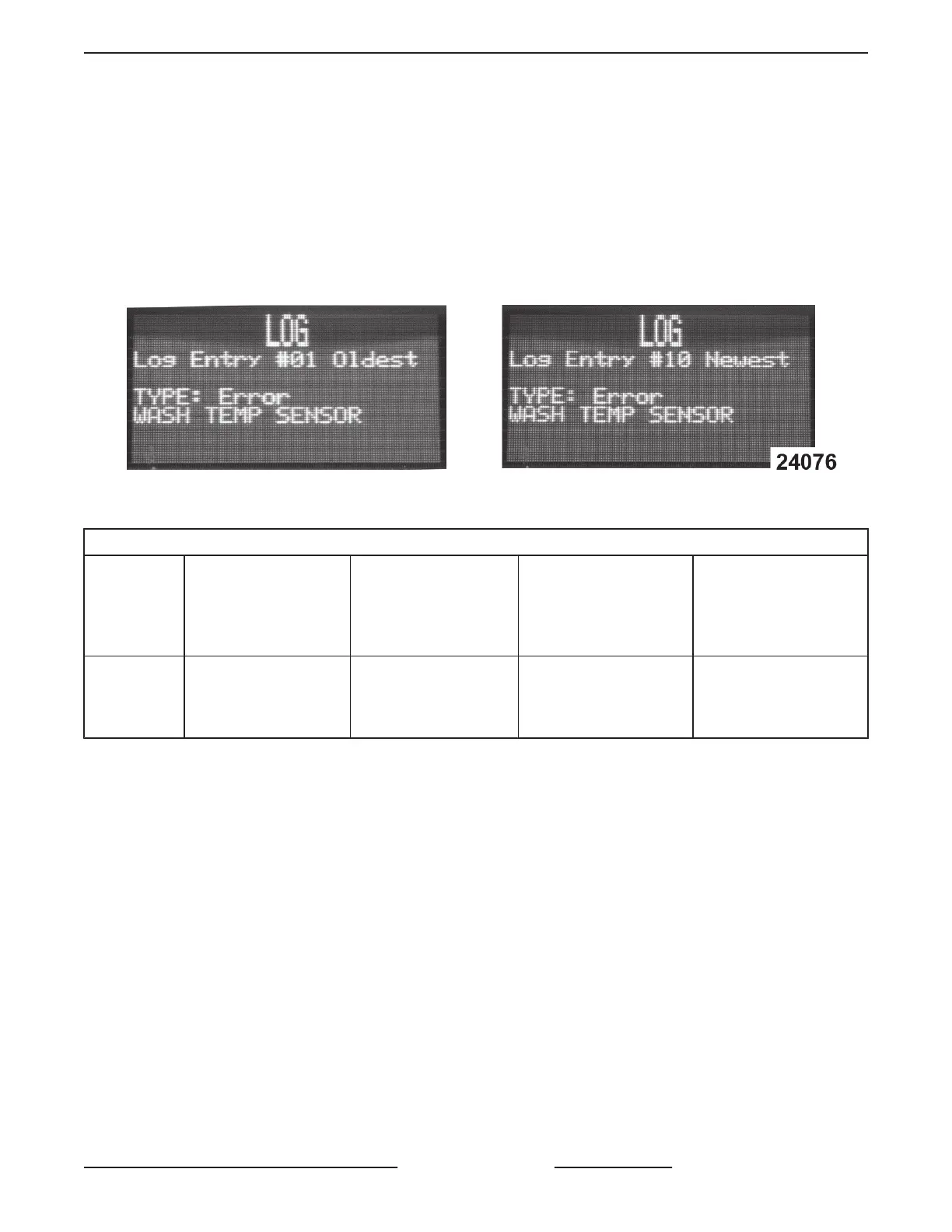
• Errors are displayed one at a time.
• The log will keep the last 10. If the log contains 10 errors when the eleventh error occurs it takes the place of
10. Number 1 drops off.
• Error log cannot be reset.
ʘ Navigate to log error #1, press up arrow. A menu comes up asking if you want to reset error log.
Log displays errors one at a time. Toggle down to see past errors.
Fig. 43
VIEW ERROR LOG
Parameter
Name
Cold Units
(Stero Cold SU-L)
(Glass Washer: Stero
Cold SG)
Hot Units
(Stero Hot SU-H)
Description Possible Values
Log
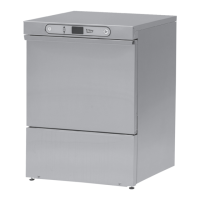
Stero Cold SU-L
Stero Cold SG
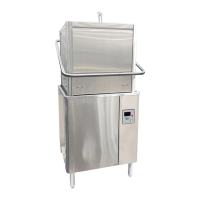
Stero Hot SU-H
Displays last 10 log error
entries.
Example:
Type: Error
WASH TEMP SENSOR
SG, SU-L, SU-H DISHWASHERS - SERVICE PROCEDURES AND ADJUSTMENTS
Page 21 of 59 F45577 (1215)


 To Next Page