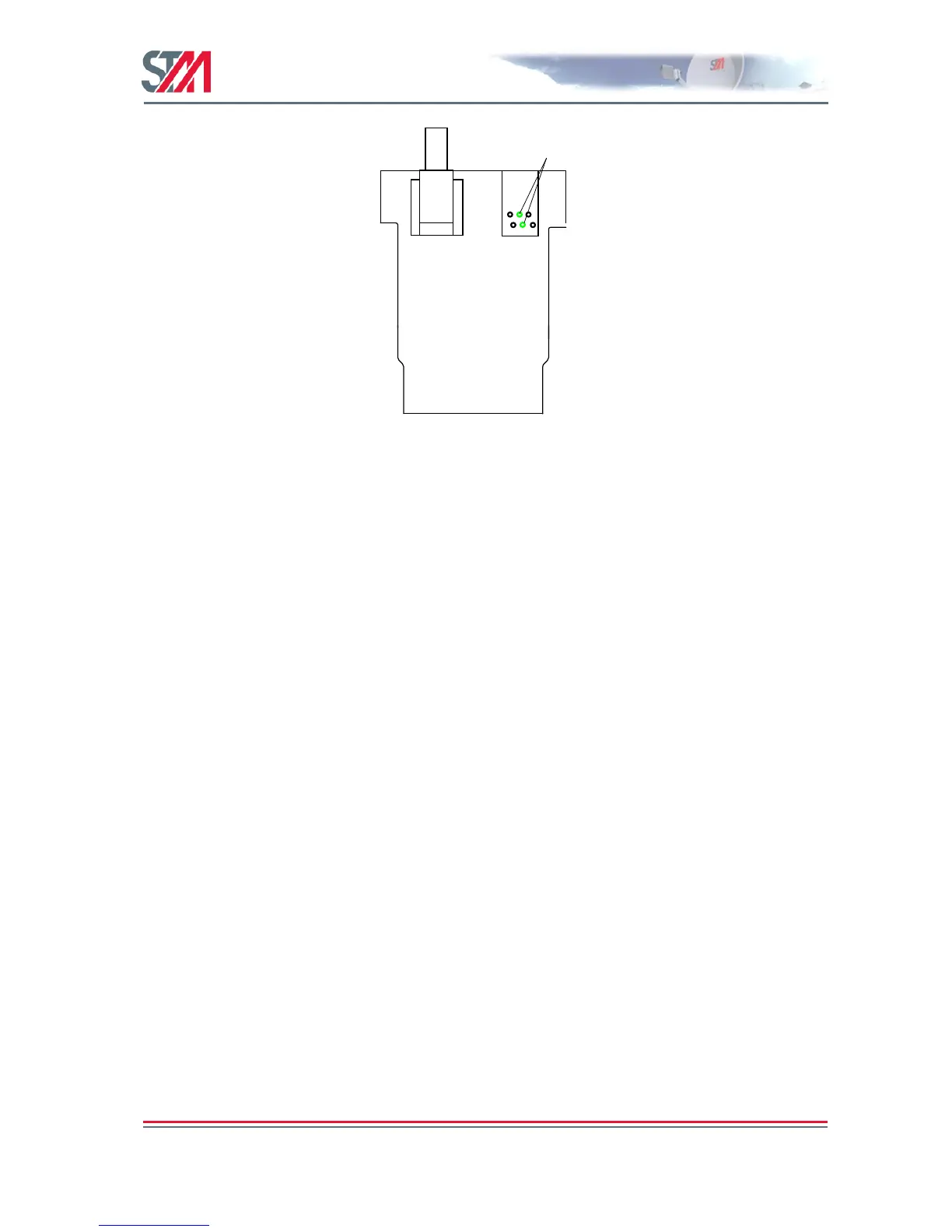
Figure 41: Connection of Transmit Inhibit Switch to SatLink 100
When transmit inhibit mode is set or cleared, an event is logged. The error LED of the SatLink 1910 will
be lit when transmit inhibit mode is activated.
When Tx inhibit is activated and deactivated it will be printed like this in the VSAT's CLI:
TX Inhibit activated!!!
TX Inhibit deactivated
It will also be logged to file, so it is possible to check when it has been used.
# log show
LOG SHOW at 15/03/2010 18:21:58
Events stored in memory since last reboot
-----------------------------------------------------------------------------
Event Date Time Src Severity
-----------------------------------------------------------------------------
Terminal Logoff (TX Inhibit activated) 15/03/2010 18:21:33 Normal
When Tx inhibit is activated, the VSAT will continue to stay locked to the FWD link and the ODU
remains powered on, but the VSAT will not transmit anything. When Tx Inhibit is deactivated, the VSAT
will immediately log on to the Hub.
19.1.2 SatLink 2900
The J1 (RJ45) connector on SatLink 2900 has the same ―transmit inhibit‖ functionality as of RJ11
connector on the SatLink 100 for the SatLink 1910. The transmit inhibit switch is connected to the
J1connector at pin 1 of the RJ45 connector for the input signal (Tx) as shown in Figure 42 below.



 To Next Page