Appendix A. Accessing the Command Line Interface via
Serial Console Port
In some special situations, the Command Line Interface via Telnet may not be accessible or will not
output the required amount of debug information. Typical examples of such situations are:
The VSAT is configured with an unknown IP address
One needs to enter the boot-loader
Detailed debugging
The Command Line Interface may then be accessed from a local PC connected to the VSAT‘s RS-232
interface via a serial cable. HyperTerminal, or any compatible terminal emulation program, is used to
access the CLI interface via RS-232. A good freeware terminal emulator is Tera Term Pro Web 3.1.3. The
software can be downloaded from Ayera home page: http://www.ayera.com/teraterm.
A.1 Cable Connection
To get access to the command-line interface (CLI) via the serial connection, a serial cable is connected
from the SatLink VSAT directly to a COM port on a PC:
Plug the 9-pin connector (DB09) (male) into the rear panel of the SatLink VSAT.
Plug the 9-pin connector (DB09) (female) into a COM port on the PC.
A.2 PC Configuration of HyperTerminal to Access the CLI via Serial Port.
In Windows, click the Start button and select All Programs
Accessories
Communications
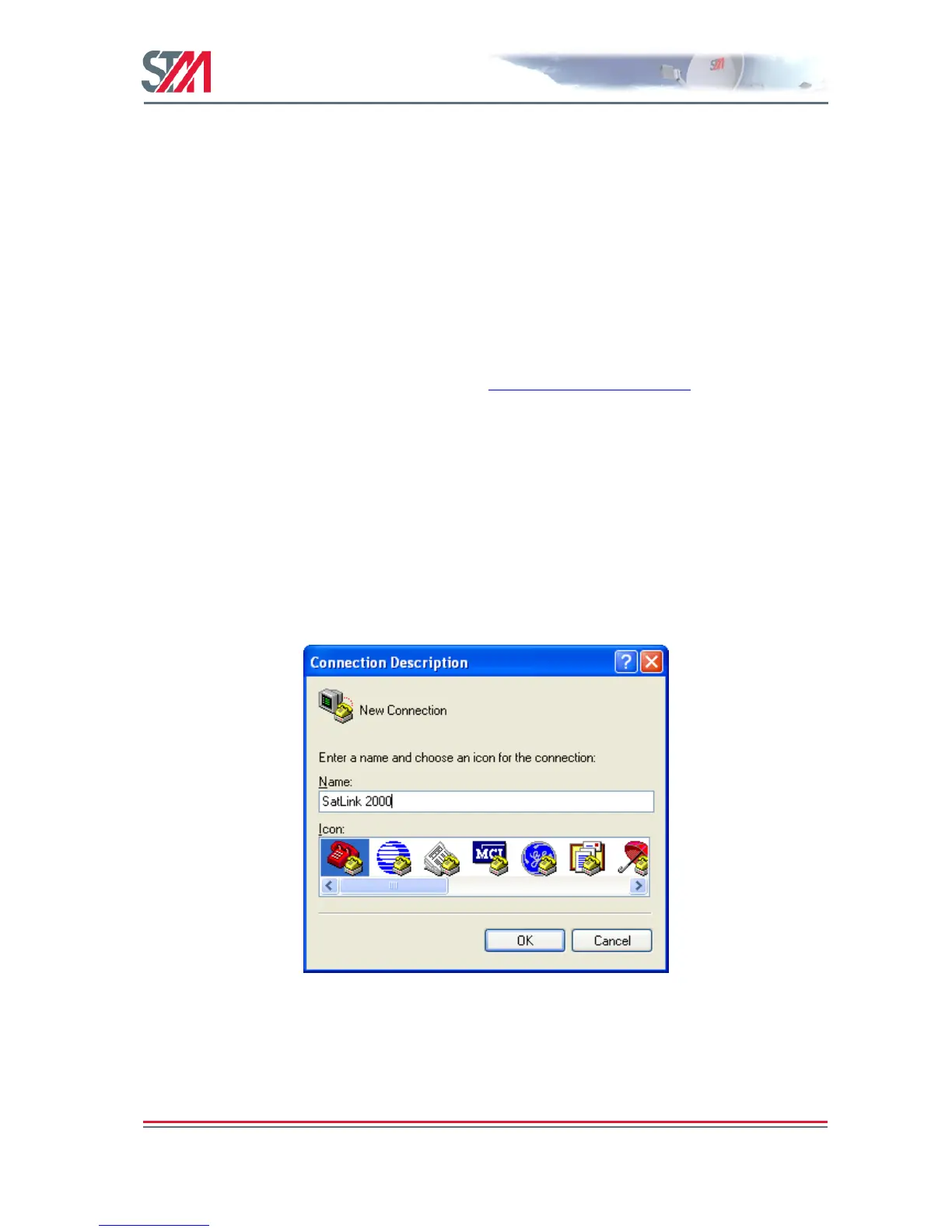
HyperTerminal. HyperTerminal will then start and the Connection Description dialogue box, shown in
Figure 43, will appear. The screen shots are from Windows XP Professional; other versions of Windows
may display differently.
Figure 43: Hyper Terminal New Connection Dialogue Box
Enter a name, select an icon for the connection, and click OK. The Connect To dialogue box, shown in
Figure 44, will appear.



 To Next Page