Publication no. 101557
Rev 14.1.1-2
Copyright 2006-2012 – STM Group, Inc.
3.5 Interface Connections
3.5.1 RX/TX cables between IDU and ODU
The coaxial cables from the ODU are connected to the type F coaxial jacks on the back panel of the
VSAT IDU.
Connect one coaxial cable from the ODU TX module input to the jack marked TX.
Connect one coaxial cable from the LNB to the port marked RX on the back panel.
Use only 75 Ω coaxial cables fitted with type F plugs for the RX and TX cables. Make sure
that the connectors are waterproof, such as the F-connector RG6 Compression type from
Cablecon (www.cablecon.dk), article no. 99909446
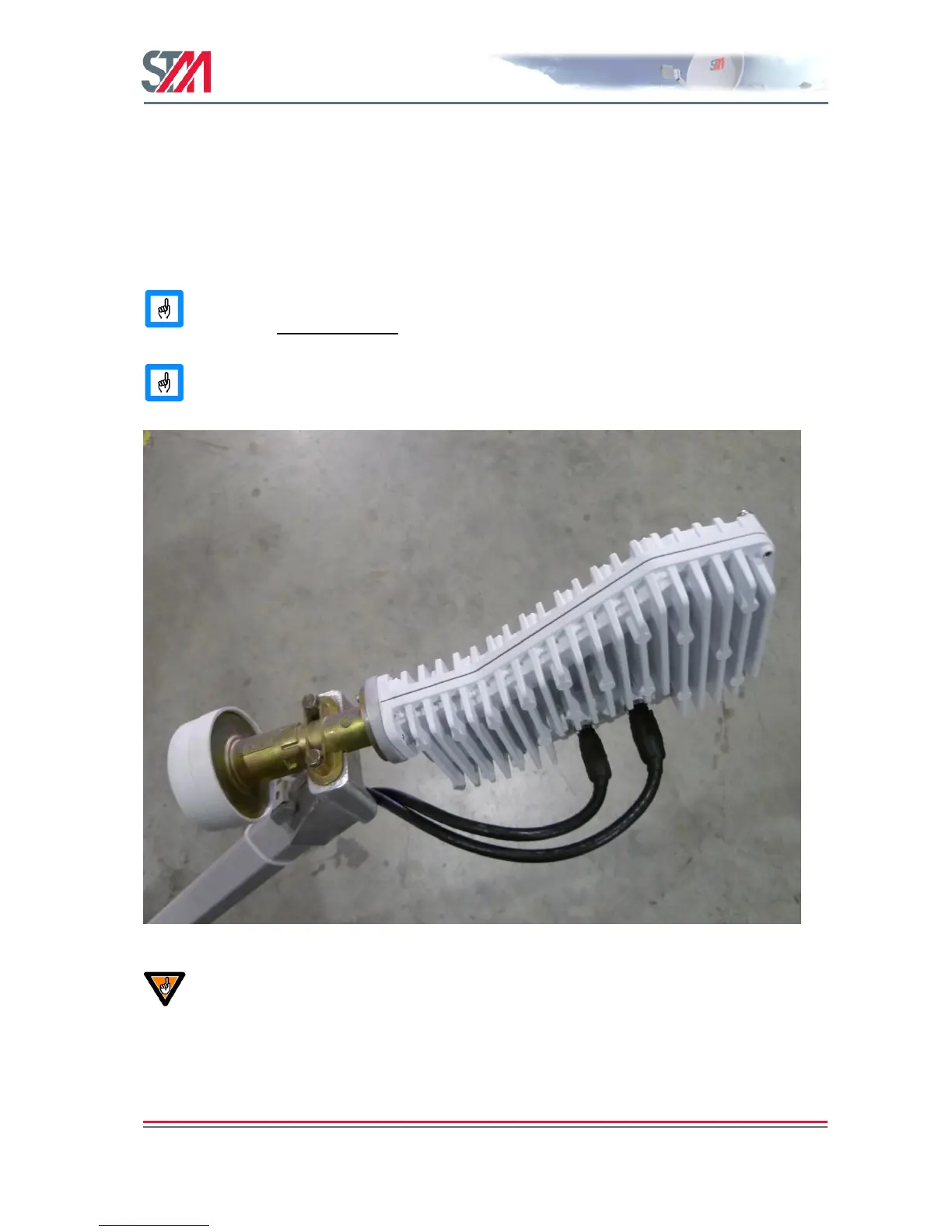
ODU TX and RX connectors must always be protected with vulcanizing tape after the
coaxial cables to the BUC and LNB are connected as shown in Figure 12.
Figure 12 : TX and RX Connectors with Vulcanizing Tape
Do not connect and disconnect the coaxial cables with power connected to the VSAT IDU.
Hint
Use different color marking on the TX and RX coaxial cables to eliminate likelihood of
interchanging the RX and TX coaxial cables.



 To Next Page