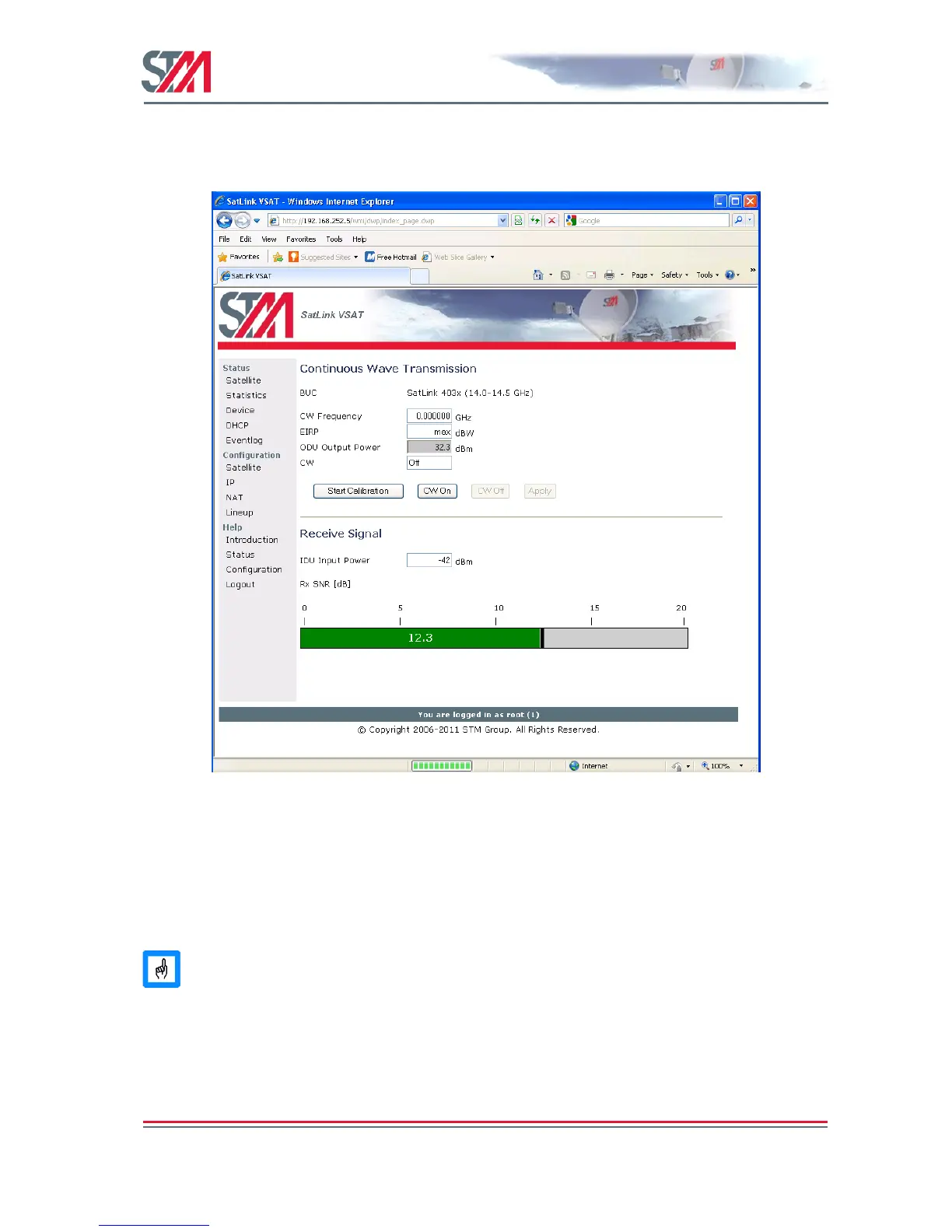
level is too low for error free reception. The RX SNR displayed in the graph on the line-up page appears
as a green bar when the RX SNR value is greater than 7.5 dB, yellow if the RX SNR value is 6 - 7.5 dB,
and red if the RX SNR value is 0-6 dB.
Figure 25: RX SNR Graph
Please see section 9.3 for details of which SNR values are required for different Forward Link
configurations.
6.4.2 TX Power Calibration
This section describes how to calibrate the TX output power when using the SatLink 4033/4035 transceiver. See
Appendix I for a description of how to perform TX power calibration for other transmitters (BUCs).
TX power level calibration and Return Link acquisition shall only be performed if the Forward
Link has been acquired and is operating properly.
1. Ensure that the VSAT configuration procedure in section 6.2 has been performed.
2. Ensure that the VSAT receiver is started and the Forward Link is acquired.
3. Ensure that the VSAT transmitter is turned off and the TX cable from the VSAT to the ODU is
connected.
4. Click the Lineup option in VSAT home page and configure the transmit EIRP level of the VSAT.



 To Next Page