Basic User Operations Powering ON the Printer
Page 26
© Copyright 2022 Stratasys. All rights reserved.
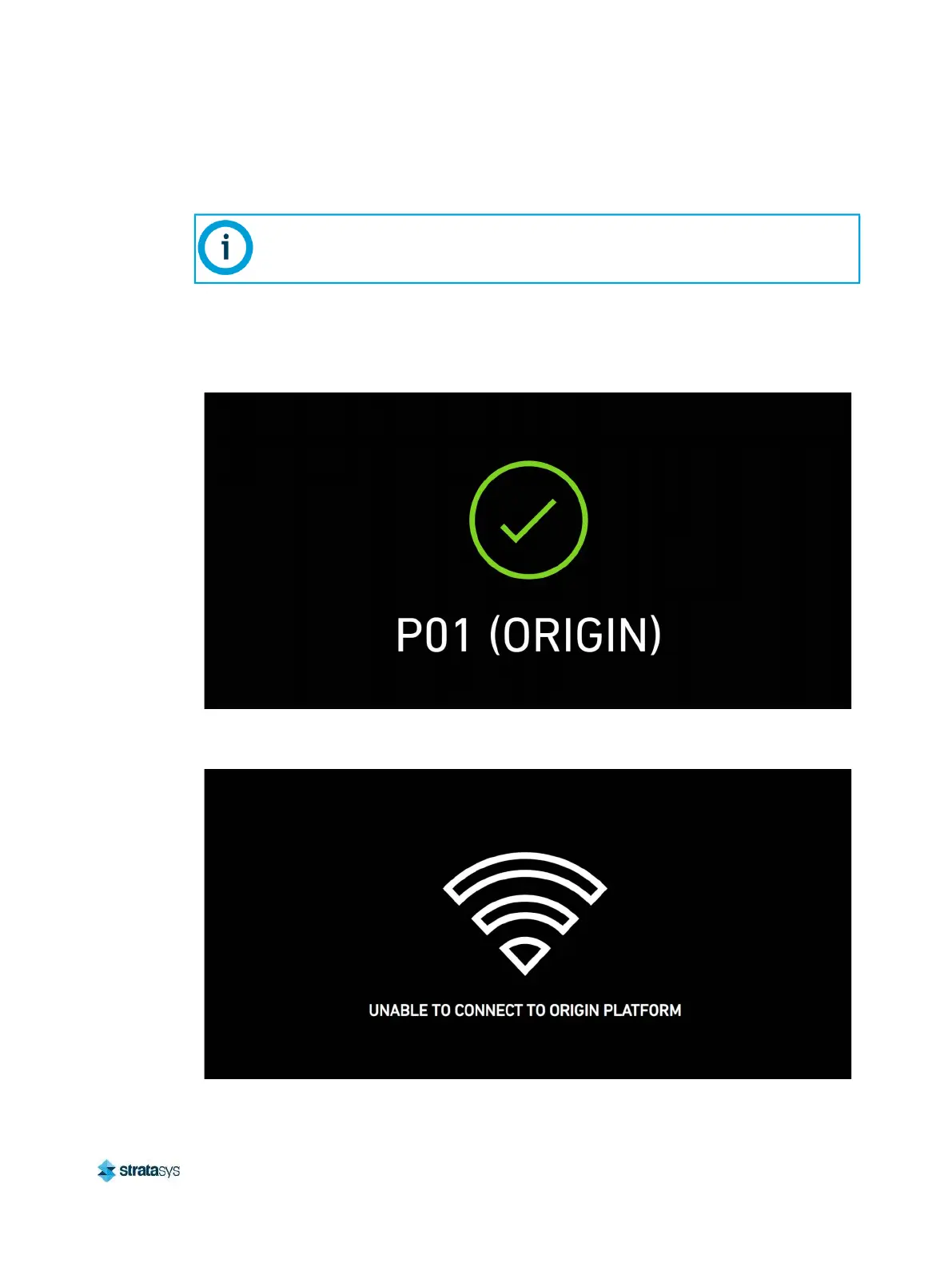
4. If you are seeing an “unable to connect” message (see Figure 3), confirm the Ethernet
cable is plugged into an active port and that the network and firewall are properly
configured.
5. Contact Stratasys support if network issues persist or if the screen displays any other
message.
Figure 2: Boot screen display message (successful)
Figure 3: Boot screen display message (error)
If your printer has been powered off for several hours, wait 20-30 minutes for the
printer to establish network connection.













 To Next Page