17
a.2. Setting the Quantity for Dispensing Mixed Water
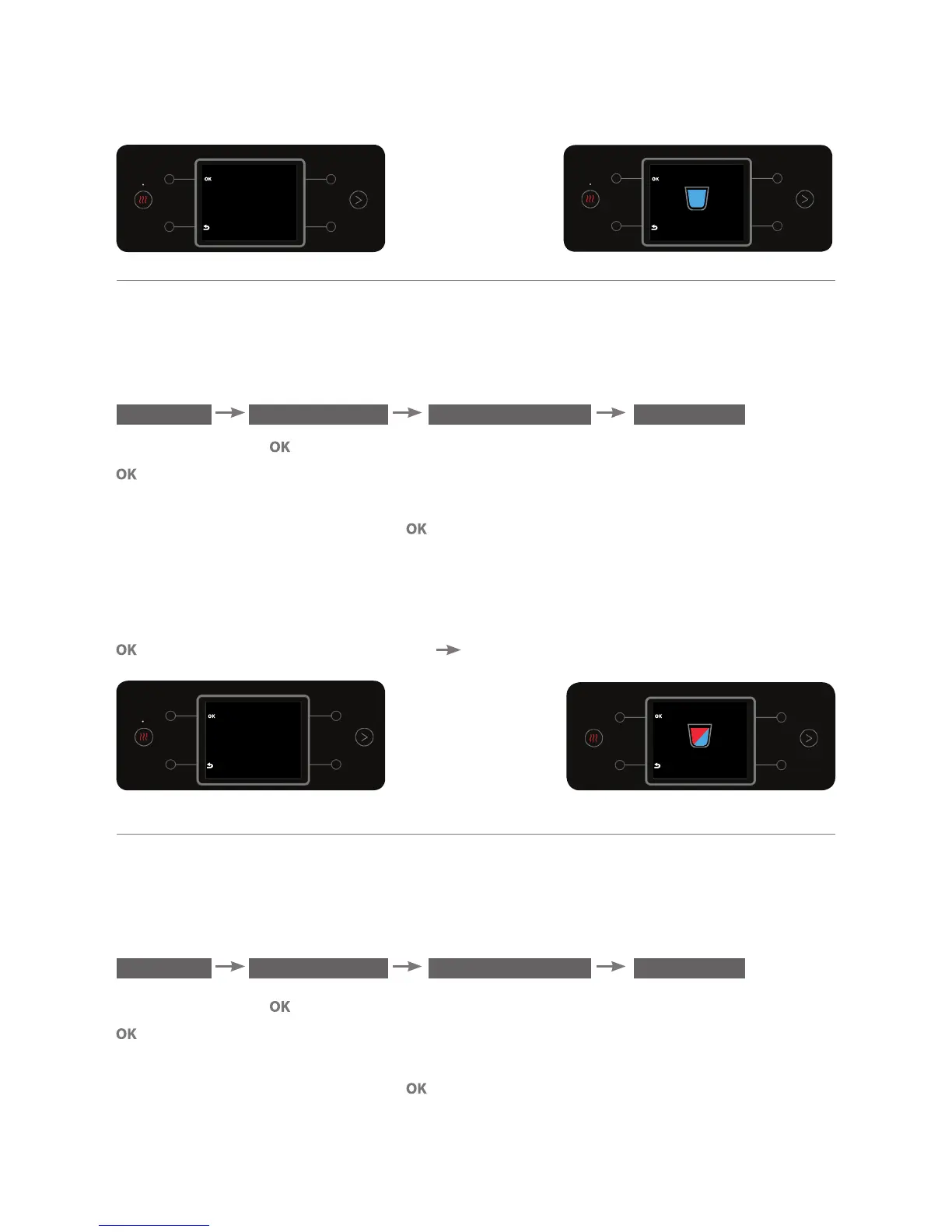
This option enables setting the quantity of mixed water that will be dispensed
when briefly pressing the mixed water button. To adjust the measured quantity,
enter the DEFINE QUANTITY sub menu.
MENU PREFERENCES
DEFINE QUANTITY MIX CUP
Press the button . Place a cup beneath the dispensing spout and press the
button for a few seconds (the longer the press, the larger the set quantity
of water).
To confirm the action, press the button (a beep will sound).
Notes:
(1) You can set a water quantity of 0-300 ml.
(2) To cancel the set quantity of mixed water measured cup, briefly press the
button in the DEFINE QUNATITY MIX CUP screen.
a.3. Setting the Quantity for Dispensing Hot Water
This option enables setting the quantity of hot water that will be dispensed
when briefly pressing the hot water button. To adjust the measured quantity,
enter the DEFINE QUANTITY sub menu.
MENU PREFERENCES
DEFINE QUANTITY HOT CUP
Press the button . Place a cup beneath the dispensing spout and press the
button for a few seconds. (The longer the press, the larger the set quantity
of water).
To confirm the action, press the button (a beep will sound).
COLD CUP
Recording...
Release OK to Stop
COLD CUP
Place a cup on the tray.
Press and hold the
OK button to
start Recording
MIX CUP
Place a cup on the tray.
Press and hold the
OK button to
start Recording
MIX CUP
Recording...
Release OK to Stop



 To Next Page