25
c. Keypad Sound
When this option is on, a short beep will sound whenever a button is pressed.
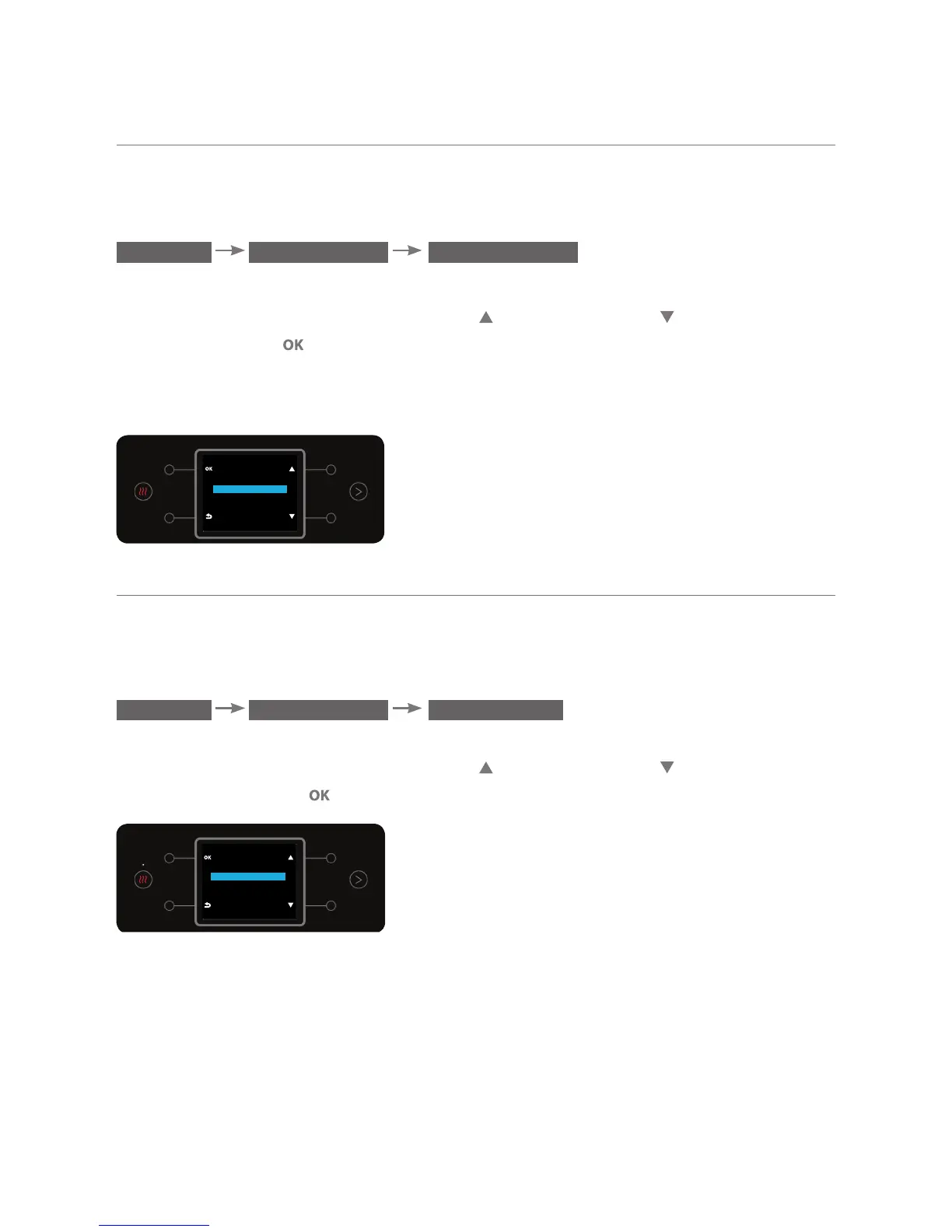
To turn on the option, enter the KEYPAD SOUND sub menu:
MENU SETTINGS KEYPAD SOUND
The current setting will appear on the display: ON / OFF.
To change the setting, use the top right
and bottom right buttons To
confirm, press the button.
When the water bar is in child lock mode, pressing the hot and mixed
water buttons will always sound a beep.
KEYPAD SOUND
OFF
ON
d. Language Setting
This option enables selecting the display language: תירבע or English.
To change the language, enter the LANGUAGE sub menu:
MENU SETTINGS LANGUAGE
The current language will be checked on the display.
To change the setting, use the top right and bottom right buttons.
To confirm, press the button.
LANGUAGE
תירבע
ENGLISH



 To Next Page