24
a.3. Clock Display
The option enables a permanent time display on screen.
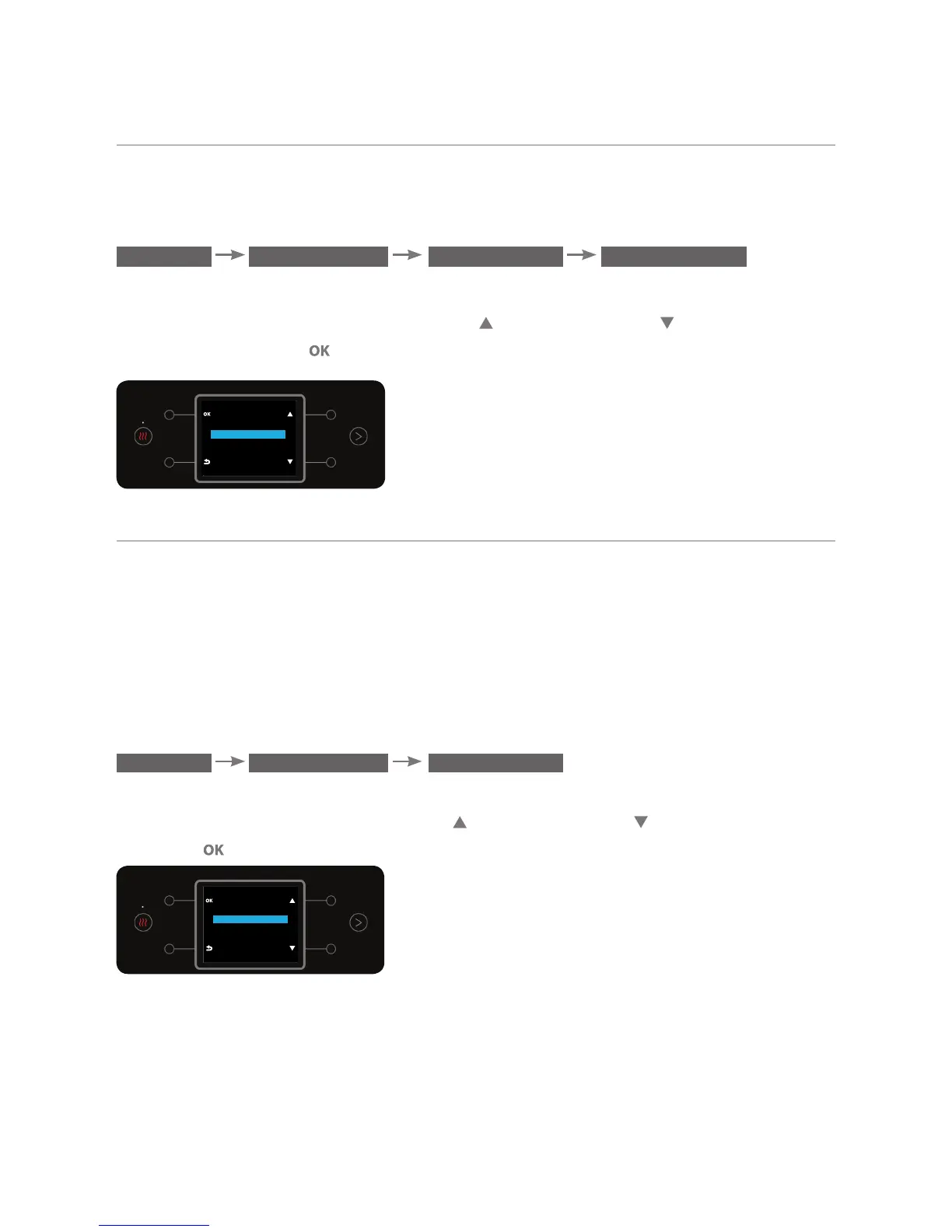
The select the clock display, enter the CLOCK DISPLAY sub menu:
MENU SETTINGS CLOCK CLOCK DISPLAY
The current setting will appear on the display: ON / OFF.
To change the setting, use the top right
and bottom right buttons.
To confirm, press the button.
CLOCK DISPLAY
OFF
ON
b. Child Lock Mechanism
When this option is on, dispensing hot water will be possible only by
simultaneously pressing the top right & top left buttons as described in
section "3.f" on page 13 - Water Bar Operation. Dispensing mixed water will be
possible only by simultaneously pressing the top right & bottom left buttons as
described in section "3.f" on page 13 - Water Bar Operation.
To turn on the option enter the CHILD LOCK sub menu:
MENU SETTINGS CHILD LOCK
The setting ON will always appear on the display (even when it is not on). To
change the setting, use the top right and bottom right buttons To confirm,
press the button.
CHILD LOCK
OFF
ON



 To Next Page