20
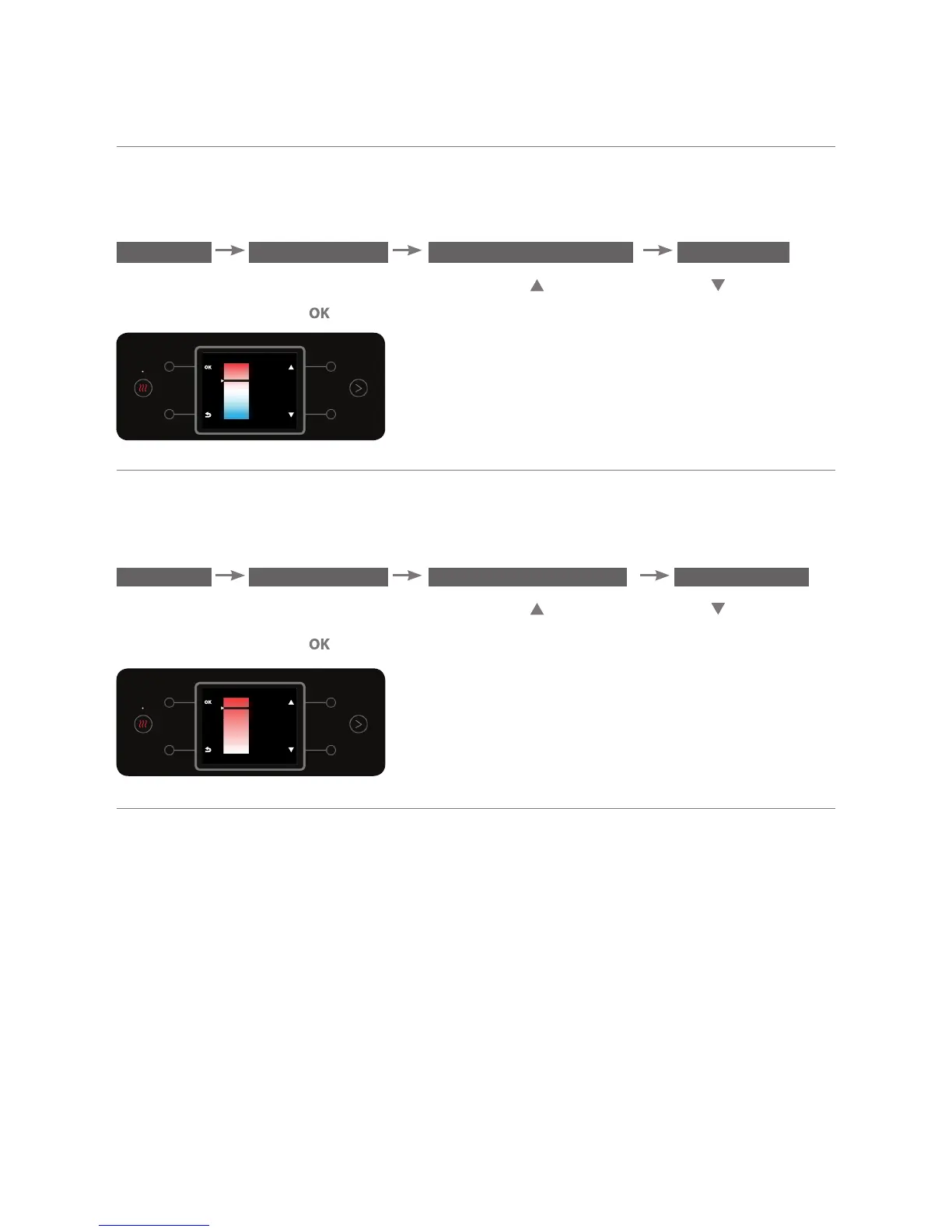
b.2. Setting Mixedm Water Temperature
The option enables setting the required mixed water temperature. To set the
temperature, enter the DEFINE TEMPERATURE sub menu:
MENU PREFERENCES DEFINE TEMPERATURE MIX WATER
To change the temperature, use the top right and bottom right buttons.
To confirm, press the button.
b.3. Setting Hot Water Temperature
The option enables setting the required hot water temperature (hot or very
hot). To set the temperature, enter the DEFINE TEMPERATURE sub menu:
MENU PREFERENCES DEFINE TEMPERATURE HOT WATER
To change the temperature, use the top right and bottom right buttons.
To confirm, press the
button.
c. Sparkling Levels Adjustment
This option enables selecting the sparkling level of the sparkling water cup that
appears on the home screen. The sparkling level selected will be represented
by the number of bubbles that appear in the sparkling water cup on the home
screen.
HOTTEST
HOT
HOT
HOT
COLD
MIX



 To Next Page