66 6506-209-001 REV F www.stryker.com
Operation
Powering the charger (Continued)
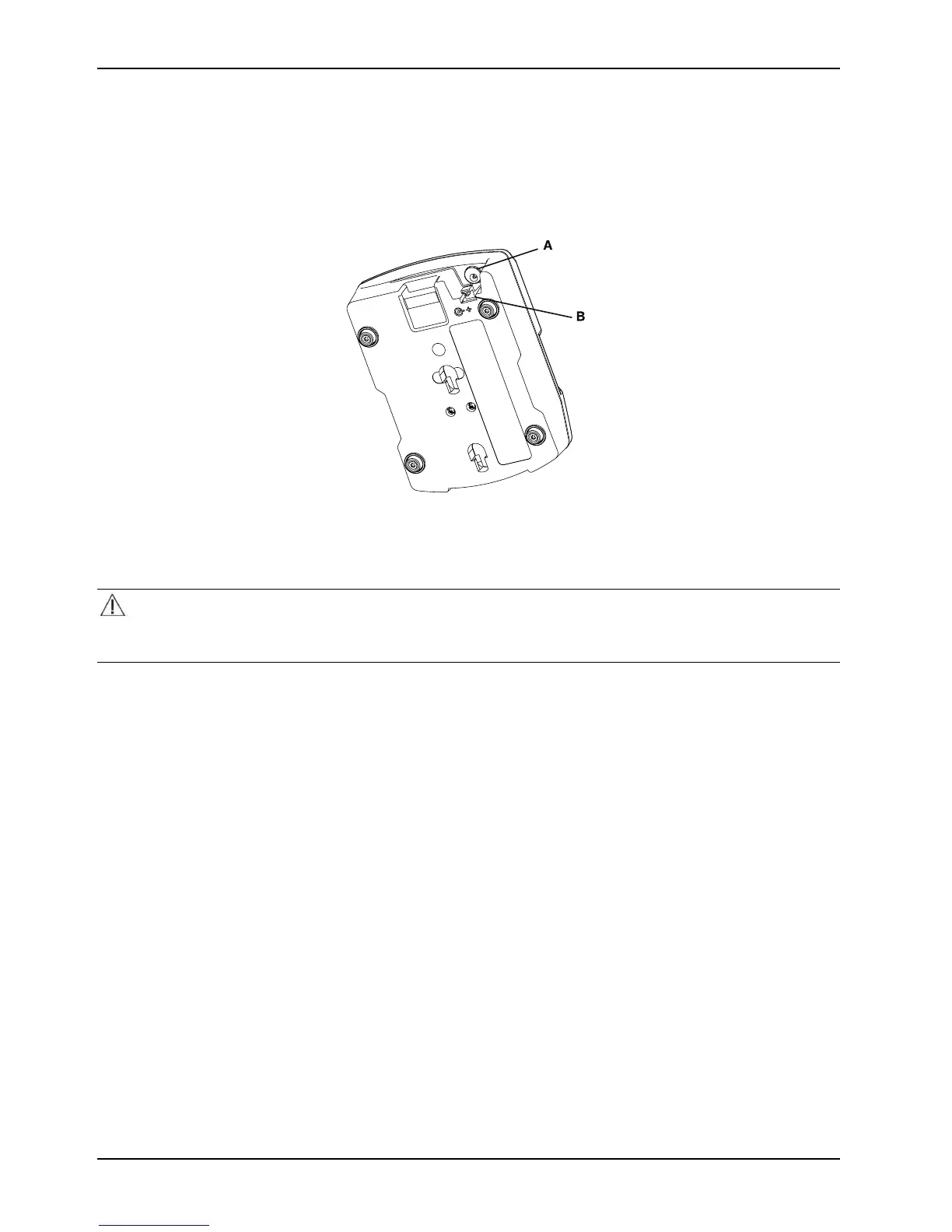
It is a best practice to use a clean, uninterruptible power source. The SMRT charger continuously illuminates a solid
green power LED when it is connected to a power supply.
Use only Stryker-approved parts to power the SMRT charger.
Figure 54: Powering the charger
Disconnecting the charger
CAUTION
Always grasp and pull the plug, not the cord, when you disconnect the SMRT charger to avoid the risk of damage to the
electrical plug and cord.
To disconnect the SMRT charger, unplug the power cord from the AC or DC power source.









 To Next Page