pg 31
DIG - dual digital delay
STEP 2 – SET MIDI CHANNEL (CONT�)
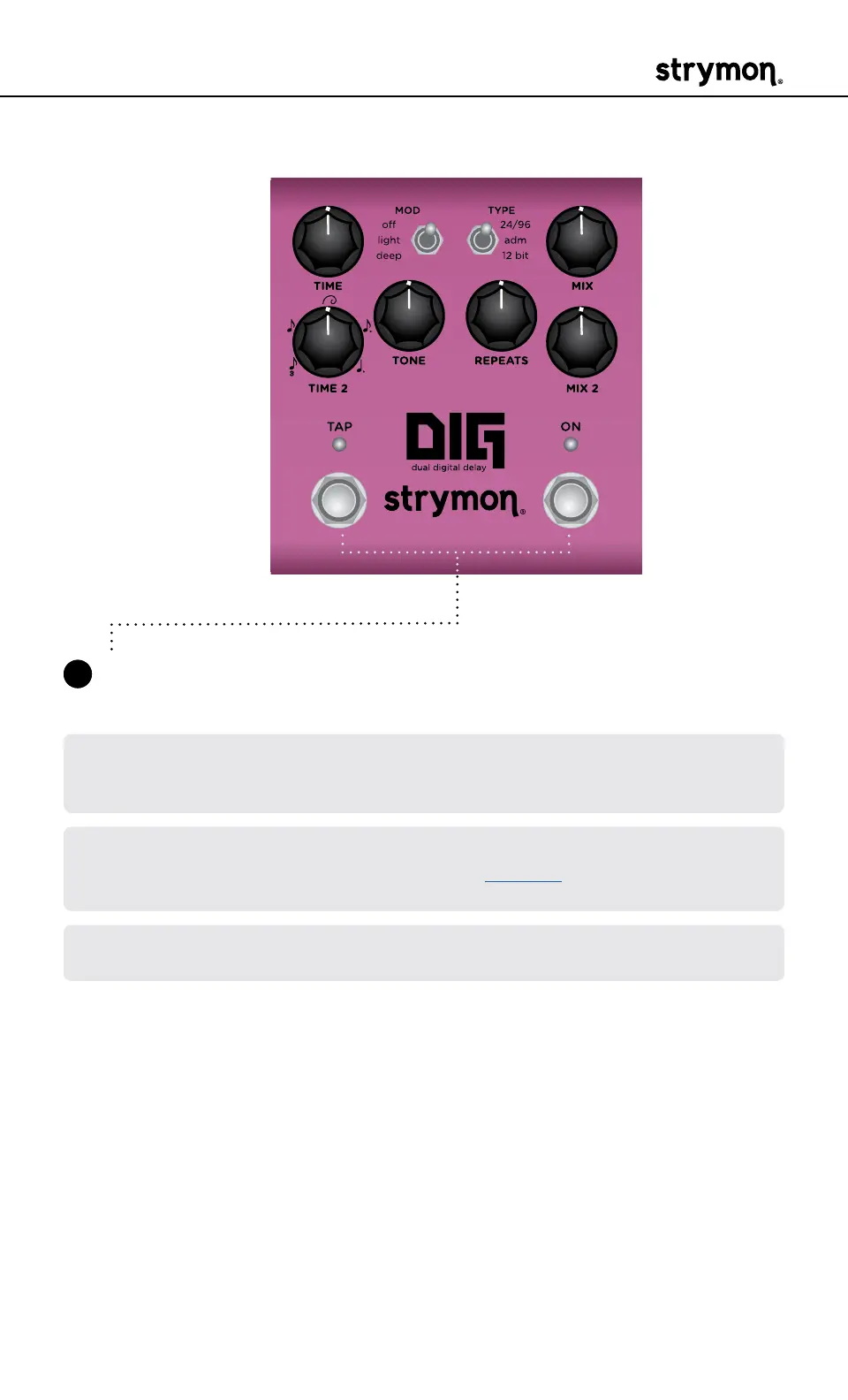
4 Press either footswitch to exit and store your MIDI Channel setting
and begin using DIG�
NOTE: A simple way to check that communication is working is to send CC
#102 with a value of 127 when the ON footswitch is off� This will enable the
ON footswitch if MIDI is properly connected and configured�
NOTE: If you are only sending data to DIG using the Strymon MIDI EXP Cable,
the MIDI OUT mode must be set to OFF� (See page 32 for details on con-
figuring the MIDI OUT mode�)
NOTE: MIDI Channel assignment is not saved per Favorite setting or MIDI
preset�



 To Next Page