pg 11
Flint - tremolo & reverb
Live Edit Functions
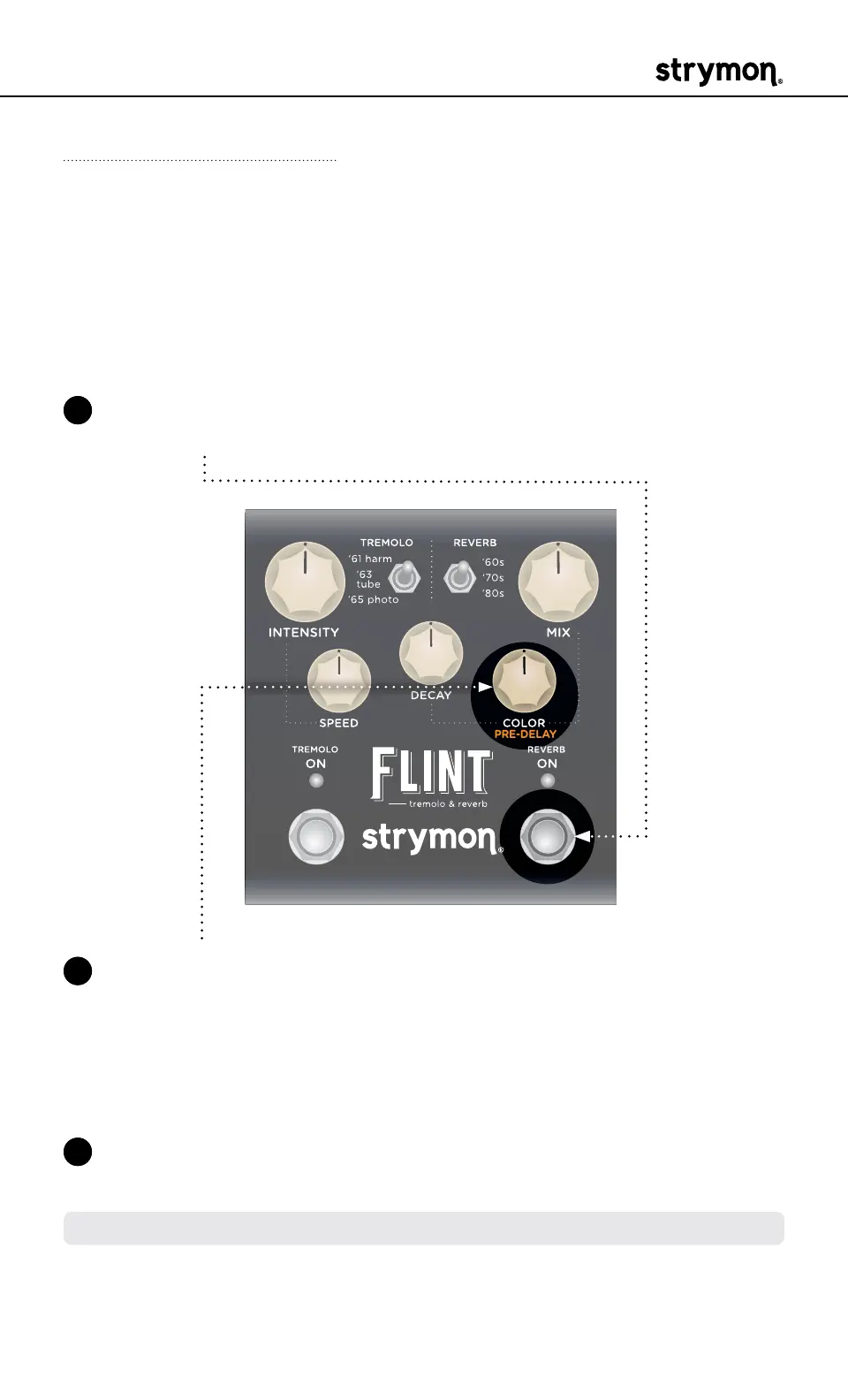
Pre-Delay
Adjust the amount of time between the original dry sound and the
onset of the reverb’s early reflections and tail� Shorter Pre-Delay
time emulates the sound of a smaller space� Longer Pre-Delay time
produces the ambience of a larger space and can provide more clarity
to the original dry signal�
1 Press and hold the REVERB ON footswitch to enter Live Edit mode�
Once both LEDs flash, release the footswitch�
2 Turn the COLOR (PREDELAY) knob to turn the adjust the amount
of Pre-Delay� The REVERB ON LED changes color to indicate your
setting:
• Minimum Pre-Delay time: left, GREEN (default)
• Maximum Pre-Delay time: right, AMBER
3 Press the REVERB ON footswitch to exit and store your Reverb Pre-
Delay setting�
NOTE: The Pre-Delay setting is saved per Favorite setting or MIDI preset�



 To Next Page