pg 22
Flint - tremolo & reverb
External Control
Tap Mode
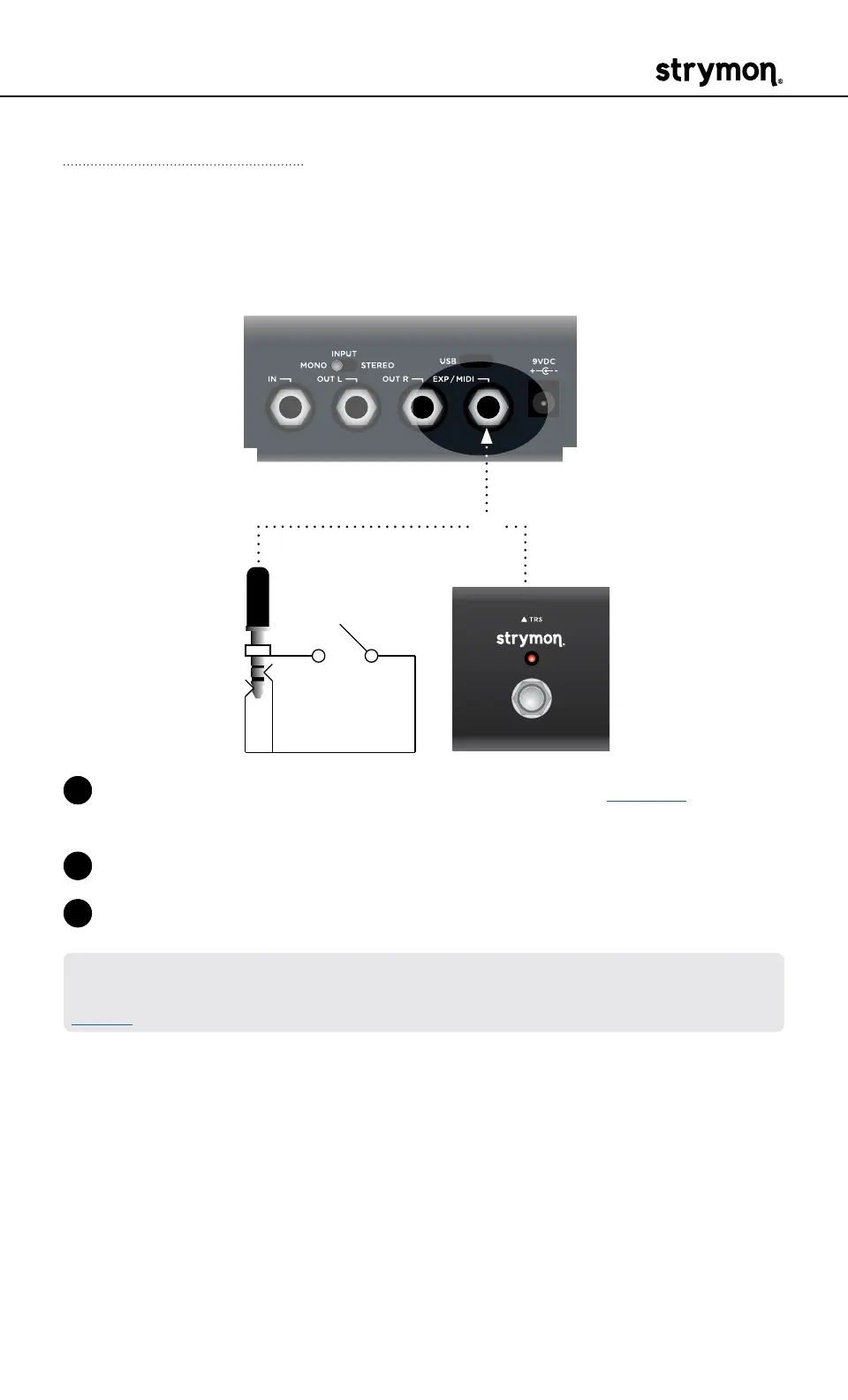
Connect a MiniSwitch or other external latching footswitch with a TRS
cable to tap in the speed of the tremolo�
OR
1 Configure the EXP/MIDI jack for Tap mode� (See page 17 for more
info�)
2 Connect an external switch with a TRS cable to the EXP/MIDI jack�
3 Tap in a tempo in to set the speed of the tremolo�
NOTE: By default, the external tap is set to respond with quarter note tap
division� This can be changed via the Tap Division Live Edit function� (See
page 9 for details�)



 To Next Page